
Device Code Phishing
CyberRecaps is supported by its readers. We may earn an affiliate commission at no extra cost to you if you buy through a link on this page.

What is device code phishing?
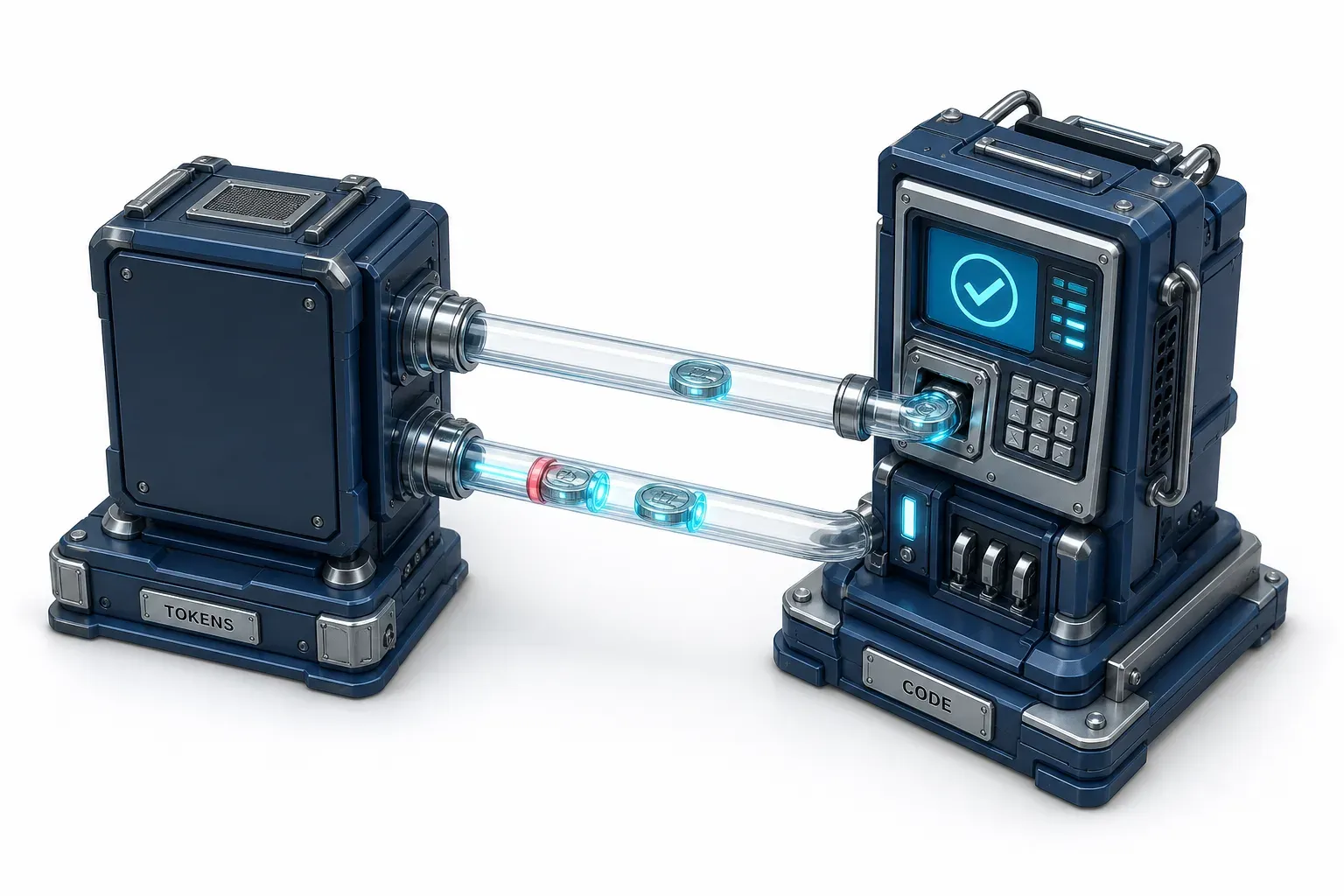
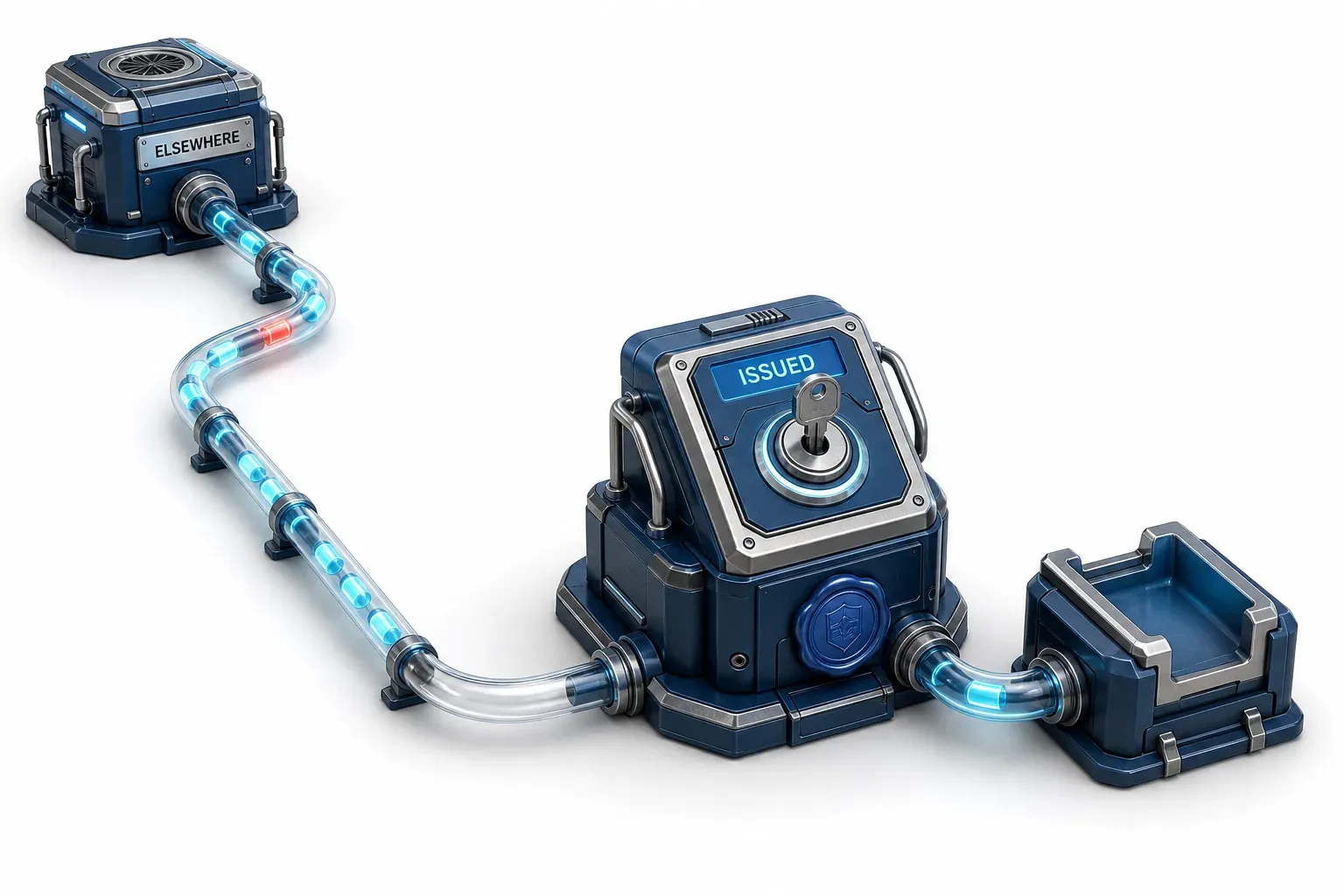
Device code phishing abuses the OAuth 2.0 device authorization grant. The attacker starts a device login, sends the victim the resulting code, and the victim enters it on the real provider sign-in page and completes MFA, handing the attacker access and refresh tokens. There is no fake site and no stolen password.
That last sentence removes the artifact most people go looking for. No lookalike domain. No credential to reset. The page the victim signs in on is the provider's own.
The grant exists for a good reason: signing in on things that cannot show you a browser, like a smart TV, a printer, or a command-line tool. The device shows a short code, you type it into a browser somewhere else, and the device gets its tokens.
Two things follow that the rest of page one does not carry: where this attack was written down by name, years before anyone ran a campaign with it, and a correction to two numbers you have almost certainly read.
Device Code Phishing Quiz
Test your knowledge about Device Code Phishing - maybe you already know everything about it.
What does the victim enter the attacker-supplied code on?
Explain It Like I'm 10
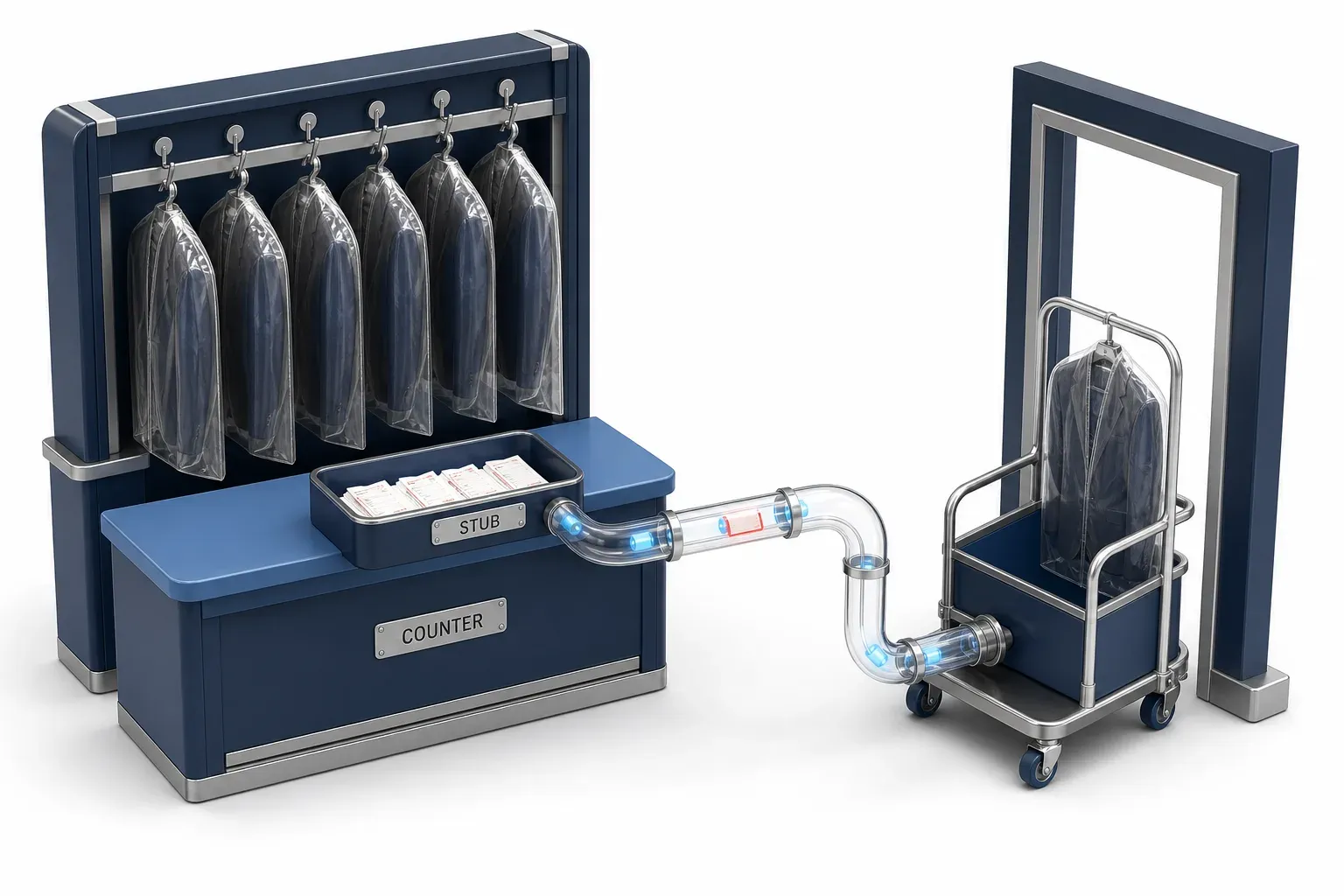
Think of a coat check. You hand your coat to the person at the counter and they give you a paper stub. Later, whoever brings the stub back gets the coat. The counter is real, the staff are real, and nobody did anything wrong.
Now imagine someone talks you into handing over their stub instead of taking yours. You do everything properly at a real counter. They walk out with your coat, and the coat check has no way to know.
The attack is in the specification, and has been since 2019
The device flow is defined by RFC 8628, a standards-track specification published in August 2019 by four authors from Google, Ping Identity, Microsoft and ARM. It is worth reading, because it does not merely enable this attack. It describes it.
Three things sit in that document:
- Section 5.4 is titled "Remote Phishing." Not a footnote. A named section in the security considerations.
- It describes the attack we are all now discussing. "It is possible for the device flow to be initiated on a device in an attacker's possession. For example, an attacker might send an email instructing the target user to visit the verification URL and enter the user code."
- It names the limit of the obvious countermeasure. Short code lifetimes help, the spec says, but "this doesn't prevent a phisher from presenting a fresh token, particularly if they are interacting with the user in real time."
The 2026 innovation was already in the 2019 threat model
In April 2026, Microsoft analysed a campaign it called distinct for moving "away from static, manual scripts toward an AI-driven infrastructure." The innovation it named was dynamic code generation: trigger the code the instant the victim clicks, so the fifteen-minute window never expires in transit.
That is a real change in tooling. It is not a new failure mode. The people who designed the flow wrote down that a real-time phisher defeats the lifetime countermeasure, and they wrote it in 2019. The kits caught up with the spec's own threat model about seven years later.
The spec's own mitigations are worth reading side by side:
- Tell the user what they are authorizing. The authorization server should say a device is being authorized and confirm it is theirs. The wording is RECOMMENDED and SHOULD, not MUST.
- Do not ship the pre-filled variant. The spec flags an optional feature, a verification URL with the code already embedded, as especially risky because the user never types anything. Microsoft's platform does not support that field at all.
Something is missing, though. Microsoft's developer reference for this flow links to RFC 8628 twice and, read end to end on 12 August 2026, carries no security note about phishing anywhere. Its only warning box is about not parsing tokens you do not own. A developer enabling the flow from the documentation is never told what section 5.4 says.
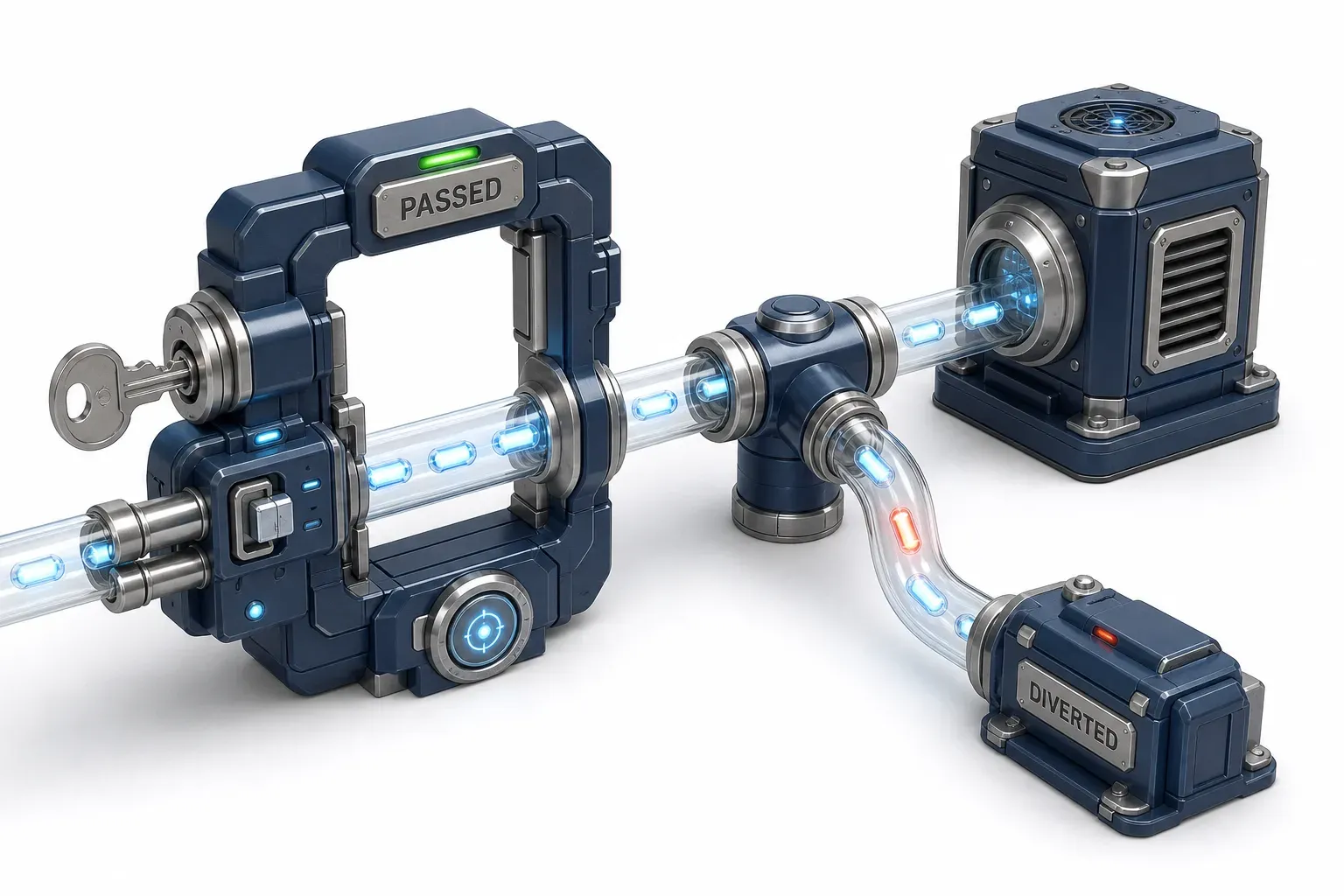
Why the MFA prompt is answered correctly and still loses
Here is Microsoft's own description of the Storm-2372 campaign, which it has tracked since August 2024:
"the threat actor generates a legitimate device code request and tricks the target into entering it into a legitimate sign-in page. This grants the actor access and enables them to capture the authentication - access and refresh - tokens"
The word doing the work is legitimate, and it appears twice. The request is legitimate, the page is legitimate, the MFA challenge is real, and the victim passes it because they are the account owner standing at their own provider's front door. Conditional Access evaluates a genuine sign-in by a genuine user and is satisfied: nothing about it is false except who asked for it.
This is also where the technique separates from the MFA problem people usually mean. Push fatigue attacks a user's patience until they approve something to make it stop. This attacks the protocol's design, and the user is not worn down at all. They do one thing, once, correctly.
The framework's wording sends you the wrong way
MITRE's T1566.002 entry is the one place in ATT&CK that names "device code phishing" outright, and its description says the adversary sends a link "that directs the victim to a malicious authorization page." Microsoft's report says the victim enters the code into a legitimate one. Believe the framework's phrasing and you go hunting for a lookalike domain that was never registered. The entry is otherwise the right mapping and the only one that names the term, so read the sentence as imprecise rather than wrong, and hunt accordingly.
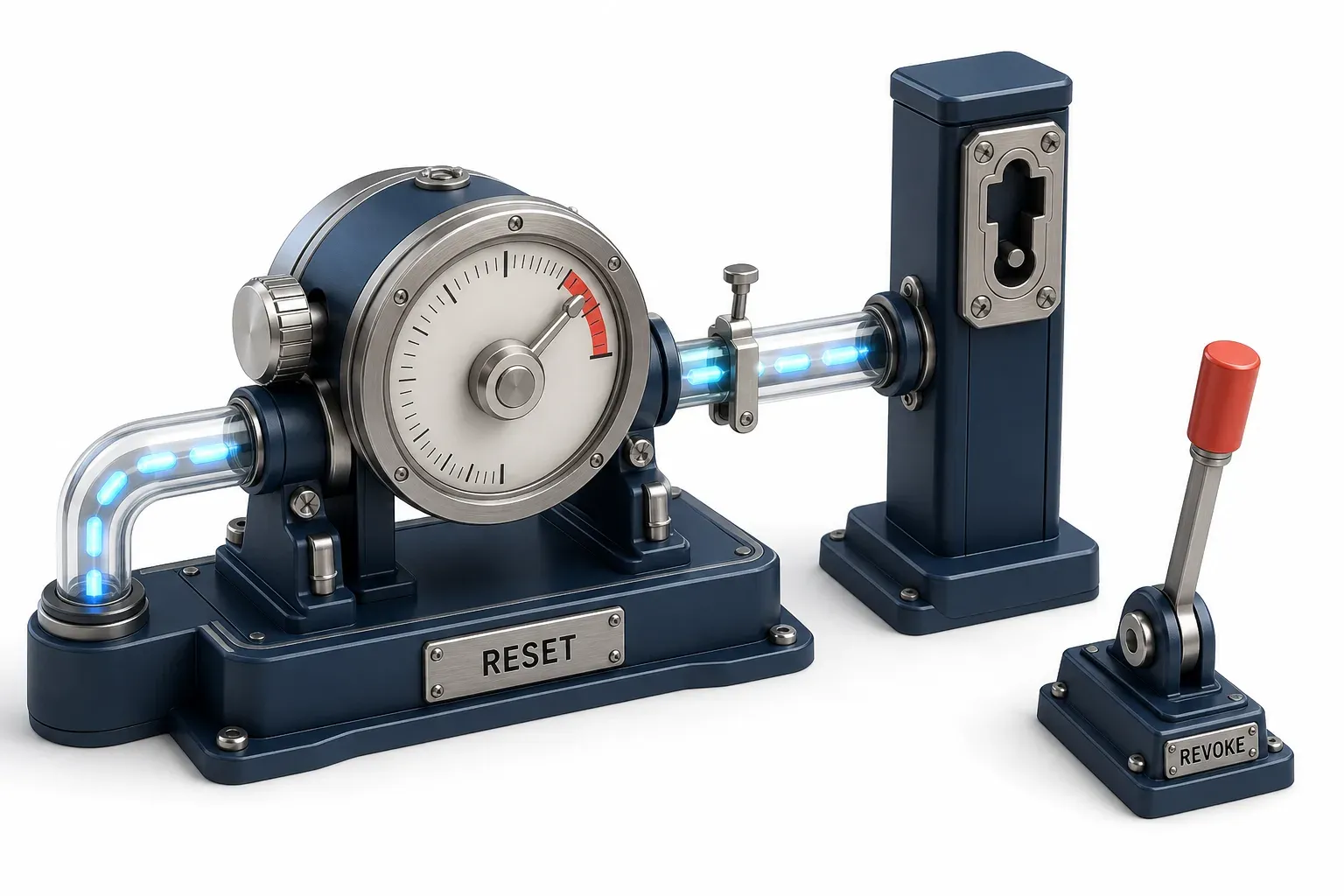
How long the attacker actually keeps access
The number in circulation is ninety days. Google's AI Overview for this term gives access "often lasting up to 90 days." Ninety days is a real figure from Microsoft's documentation, and it does not mean what it is being used to mean. Here is what the token lifetime reference actually publishes:
- Refresh Token Max Inactive Time: 90 days. This is an inactivity timeout. It is how long a refresh token can sit unused before it dies.
- Multi-Factor Refresh Token Max Age: "Until-revoked." Not ninety days. Until somebody revokes it.
- Access tokens: a random 60 to 90 minutes, averaging around 75. Where Continuous Access Evaluation is in play, 24 to 28 hours.
- None of this is tunable. Refresh and session token lifetimes stopped being configurable on 30 January 2021, and existing policies that set them are ignored.
So the honest answer is worse than the popular one. An attacker actively using a refresh token resets the inactivity clock every time, and no maximum age is waiting to save you. Access ends when someone revokes it, which is why Microsoft's remediation guidance names revoking refresh tokens explicitly rather than waiting anything out.
The password-reset slogan, scoped
The neighbouring claim needs the same treatment in the other direction. "A password reset does not help" is repeated flatly across this SERP, and it is true of refresh tokens. It is not true everywhere: the same documentation says long-lived access tokens under Continuous Access Evaluation "will be revoked in near real time in response to critical events such as account disablement and password changes." CAE needs both the client and the resource to support it. So the useful version is: assume a password reset is not containment, and treat a CAE-aware session as the exception.
For anyone tracking how long an intrusion sits unseen, the clock here starts when the token is issued, not when the alert fires.
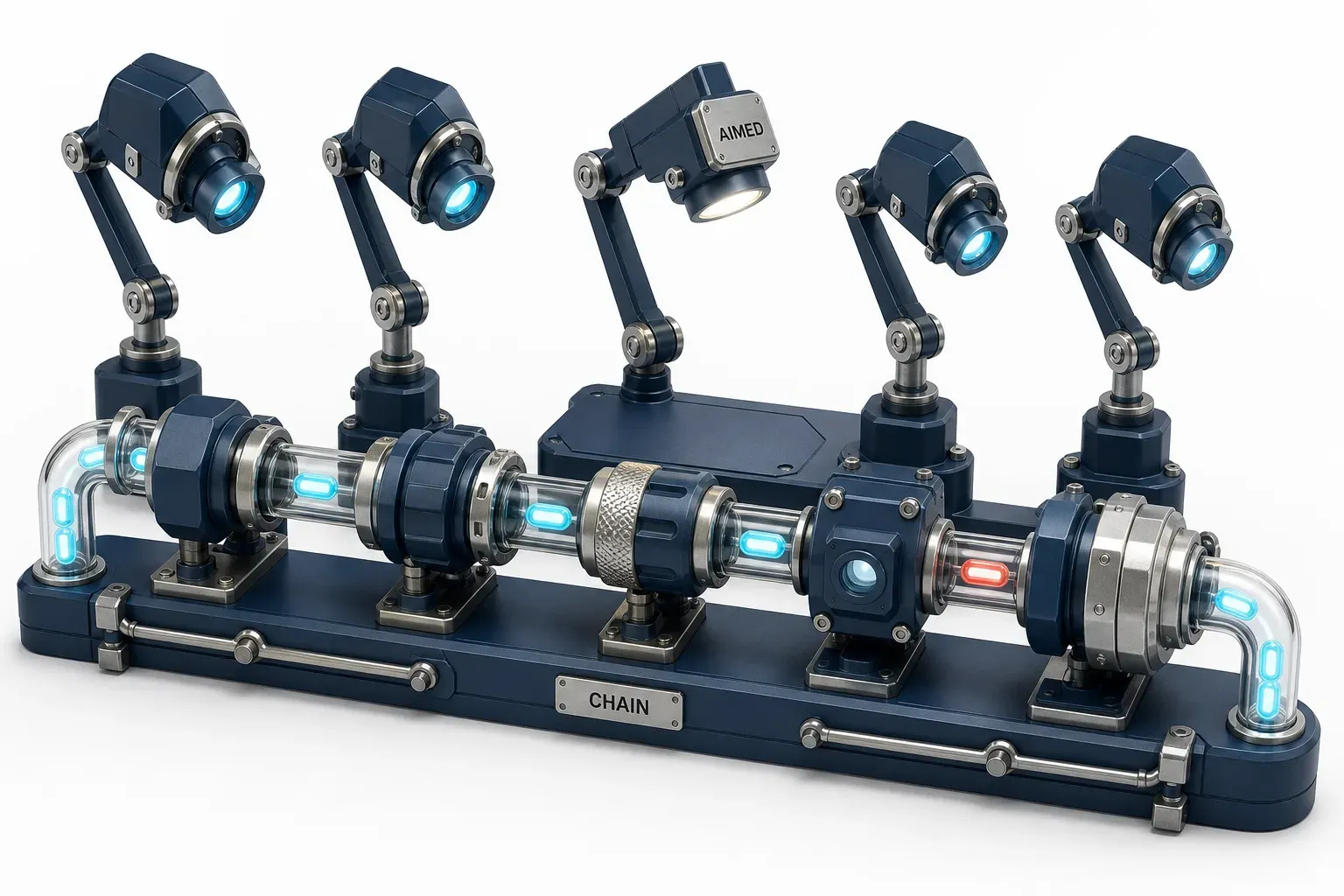
The ATT&CK chain, and the gap inside it
No page in the capture publishes the framework mapping, which is a shame, because it is not one technique. It is a chain across four tactics.
Technique | Tactic | What it covers here |
|---|---|---|
T1566.002 Spearphishing Link | Initial Access | Delivery, and the only entry naming "device code phishing" |
T1683.001 Generate Content: Written Content | Resource Development | The lure, including content produced with AI tooling |
T1204.004 Malicious Copy and Paste | Execution | The victim pasting the code: the 2026 variant |
T1528 Steal Application Access Token | Credential Access | The access and refresh tokens the attacker walks away with |
T1550.001 Application Access Token | Lateral Movement | Using those tokens afterwards |
This is not theoretical. On 30 July 2026, MITRE published a software entry for Kali365, a phishing-as-a-service kit first observed in April 2026 and described as incorporating device code generation. Its procedure example under the Execution technique reads: "has dynamically generated legitimate device codes that displays on the victims screen alongside instructions to copy and paste the device code."
The analytics under that technique watch the wrong surface
T1204.004's detection strategy carries three analytics. One describes a user opening Run, PowerShell or CMD and pasting an obfuscated one-liner. One describes pasting into bash or zsh. One describes pasting into Terminal.app or iTerm2. All three watch a command going into a shell, and the device-code variant filed under that same technique never touches a shell. The victim pastes a code into a browser.
So a team with solid ClickFix detection can mark T1204.004 covered and have nothing that would see this. That is a comparison drawn between two MITRE pages, not a statement MITRE makes, so check it yourself. Both are one click away.
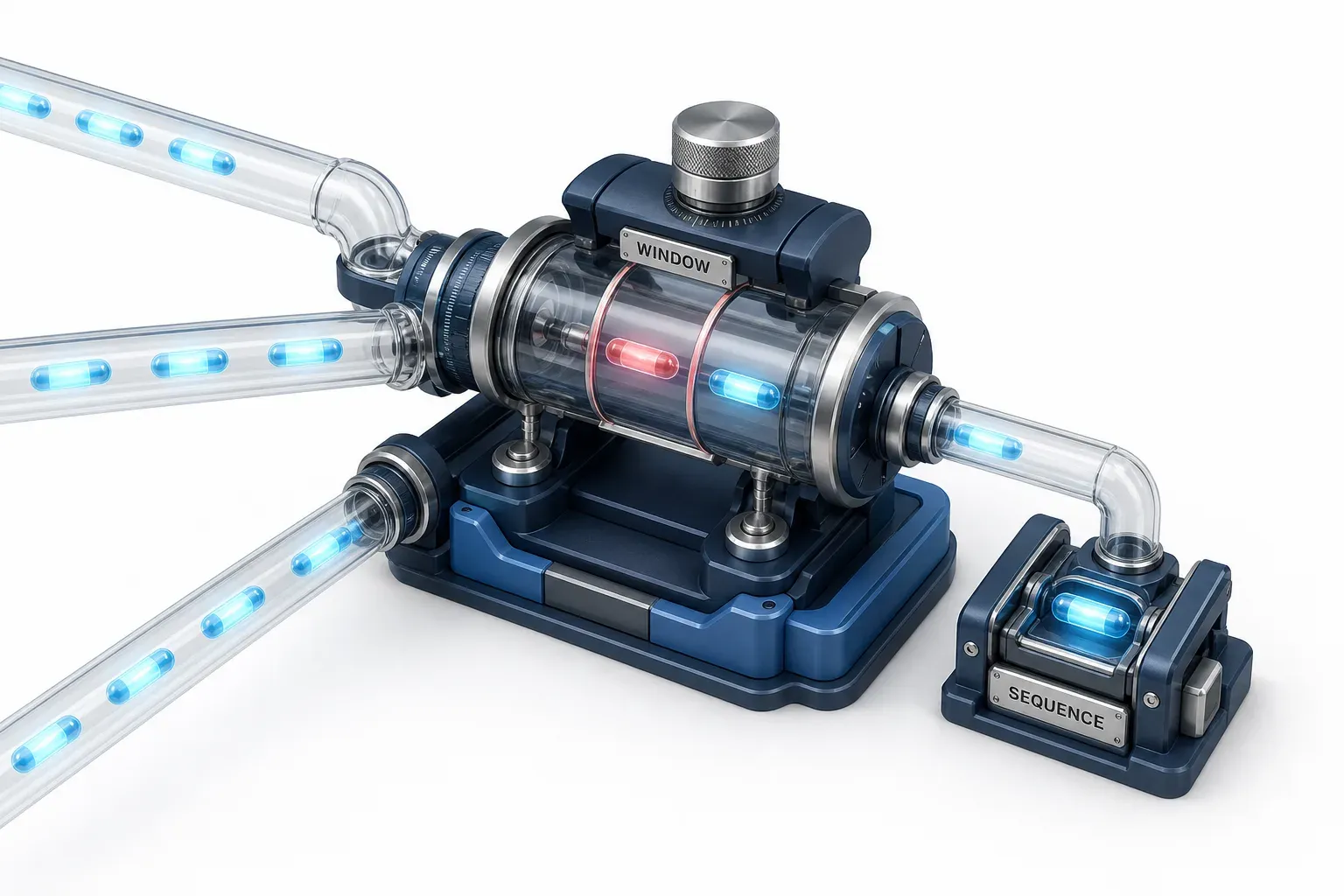
What to hunt for
Microsoft's April 2026 analysis carries the most useful concrete artifact published about this attack, and it appears on no explainer page in the capture. The hunt is a sequence, not a signature:
- Look for error code 50199 followed by a success for the same account inside a five-minute window. That is the shape Microsoft's own advanced hunting guidance validates against.
- Tables to query:
EntraIdSigninEventsfor the authentication itself,UrlClickEventsfor the click that preceded it,CloudAppEventsfor what the token then did. - Fields that carry the correlation:
ErrorCode,RiskLevelDuringSignin,AccountUpn,IPAddress,SessionId,CorrelationId. - Then look immediately after. In the observed campaign, device registration followed within ten minutes of the compromise, and inbox rules appeared in some cases hours later. One signal is ambiguous; the sequence is not.
Everything in that list is something to search for, never something to configure.
One detail about the alert layer is worth knowing. Microsoft names several Defender XDR detections for this, one of them "Anomalous OAuth device code authentication activity." That exact string is also one of the related searches Google returns for this topic - people are arriving here because the alert fired in their own tenant and they pasted the name into a search bar. The detection is not hypothetical.
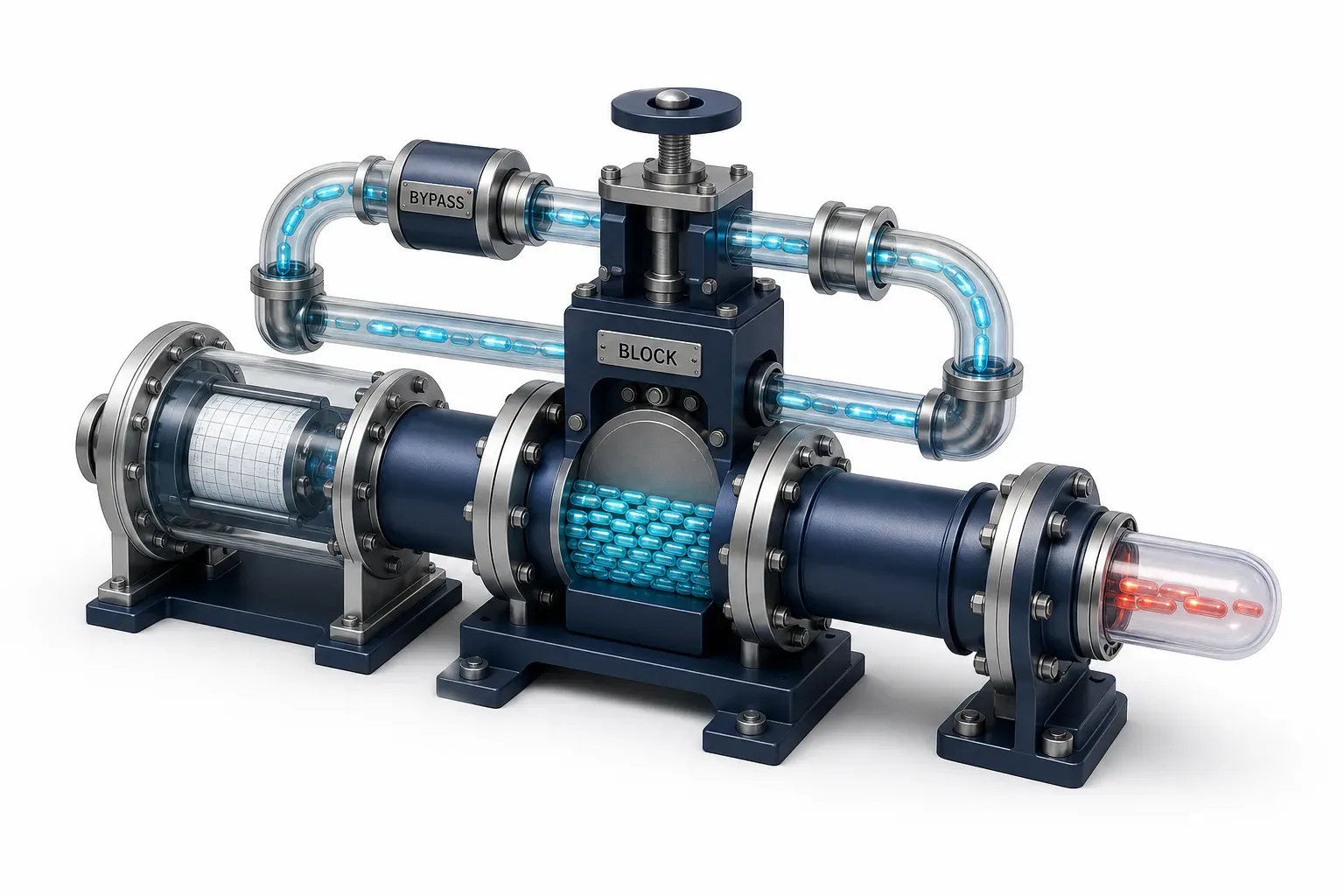
How to block it, and what it costs
Microsoft's position is unusually direct. Its Conditional Access guidance says organisations should "get as close as possible to a unilateral block on device code flow," allowing it only "in well documented and secured use cases, like legacy tooling that can't be updated." The control has a name and a location, which is what makes it actionable:
- Entra ID > Conditional Access > Policies > New policy.
- Assignments: all users, excluding your break-glass accounts.
- Target resources: all resources.
- Conditions > Authentication Flows > Configure: Yes > select Device code flow.
- Access controls > Grant > Block access.
- Enable as Report-only first, then switch it on.
Report-only is not a formality. It is the answer to "what will this break." Microsoft's own instruction is to audit existing use before blocking, and report-only is that audit: it shows who uses the flow today, which is exactly the list of people whose Monday you would otherwise ruin.
Two honest limits, both from the same page, and the second one is the one that bites.
- Break-glass accounts get excluded, so the block is never quite total by design. Audit that exclusion list on a schedule.
- Service principals are not covered. In Microsoft's words: "Calls made by service principals aren't blocked by Conditional Access policies scoped to users." A user-scoped block does nothing about workload identities, which need Conditional Access for workload identities instead. If your CI runners, scripts, or integrations authenticate as service principals, this policy does not touch them.
While you are in that blade: the same Authentication Flows condition also blocks authentication transfer, which moves a session from a PC to a phone. Nothing in the capture mentions it, and it is the same category of thing.
What the 1,500% figure actually measured
The headline going around is that device code phishing is up 1,500% in 2026. Here is the sentence it came from, in CrowdStrike's 2026 Threat Hunting Report, published on 3 August 2026:
"Monthly device code phishing attempts jumped 15x in the past six months."
Three things changed on the way to the headline. The unit: attempts, meaning lures sent, not accounts taken. The window: a rolling six months, not a calendar year. The arithmetic: a 15-fold rise is an increase of 1,400%, not 1,500%.
Two more things are true and neither is in the headline. No absolute base is published, so 15x could be from a small number or a large one. And this is one vendor's telemetry with no stated method, which is how nearly every number in this field arrives.
None of that means the rise is not real; the direction is almost certainly right. The point is narrower. A number that travels loses its unit first. If you are quoting it in a risk conversation, quote the sentence.
Where this argument stops
Four bounds.
- The specification claim is scoped to one capture. RFC 8628 appears nowhere in the two-engine search capture this article was built from, taken on 12 August 2026. Somebody has surely written about it; the point is that nobody ranking for the term on that day had.
- No prevalence figure exists, so this page makes no prevalence claim. Nothing here says what share of tenants leave device code flow enabled, or what proportion of device code sign-ins are malicious: no measured figure for either could be found in citable form. Anyone quoting one at you should be asked where it came from.
- The detection gap is a derived comparison. MITRE does not say its ClickFix analytics miss the device-code variant. The three analytics describe shell pastes and the variant involves a browser; that reading is clearly drawn but it is ours, not the framework's.
- Only one source above is a security vendor, on a topic where ten of the twelve pages returned are, and it is cited only as the origin of a number already circulating. That is deliberate but not purity: every load-bearing claim here had a specification, a platform document, a framework entry or a first-party campaign report behind it, so the vendor layer was redundant rather than awkward. Several vendors competing for this term also sit in this site's own sponsor categories, which is exactly why the primaries did the work.
Common questions
Is the sign-in page fake?
No. It is the provider's real sign-in page, which is why there is no lookalike domain to block and no typo-squatted URL to catch. This is the thing to get right about the technique.
Which ATT&CK technique is device code phishing?
It spans several. T1566.002 for delivery and it is the only entry that names the term, T1204.004 for the paste, T1528 for the token theft, T1550.001 for using the tokens afterwards, and T1683.001 for the lure content.
Does a password reset contain it?
Assume not. A reset does not invalidate refresh tokens, and revoking those is a separate action. The exception is a Continuous Access Evaluation session, where a password change does trigger revocation in near real time, but that needs both client and resource support.
Who legitimately needs device code flow?
By Microsoft's own description, "legacy tooling that can't be updated." Report-only mode will tell you whether you have any, which is a better answer than guessing.
Will blocking it break my CI or my scripts?
Possibly, and a user-scoped policy will not tell you, because service principals are not blocked by Conditional Access scoped to users. Automation authenticating as a workload identity needs Conditional Access for workload identities instead. This is the part most likely to surprise you.
What to tell them
Somebody sent you a headline and asked whether you are exposed. Here is the answer, in order.
- Run the report-only policy. Conditions > Authentication Flows > Device code flow > Block access, in report-only. It answers "are we using this" and "what would break" in one move, and it is Microsoft's own recommended first step.
- Then run the hunt. Error code 50199 followed by a success within five minutes, correlated against URL clicks and any device registration that followed.
And the sentence to repeat: this is not a control anyone forgot to turn on, it is a protocol feature working as specified, and the fix is to switch it off where nobody needs it. The specification named the risk in 2019. The tooling caught up in 2026. The policy takes an afternoon.