

MFA Fatigue
MFA fatigue, also called push bombing, is an attack in which someone sets off multi-factor authentication (MFA) approval requests on a person's phone again and again, for example by signing in with the person's stolen password. One approval, given by accident, out of annoyance or because it looks genuine, lets the attacker in.
The phrase is also used for the ordinary weariness people feel when sign-in prompts come too often. Here it means the attack, which turns that weariness into a way in.
CyberRecaps is supported by its readers. We may earn an affiliate commission at no extra cost to you if you buy through a link on this page.


Explain It Like I'm 10
Someone has found out the password to your game account. The game has one more check, though: whenever anyone logs in, your tablet buzzes and asks whether it is really you, with a Yes button and a No button. So that someone keeps trying to log in, and your tablet buzzes again and again all through dinner. In the end you tap Yes, just to make it stop, or because you think the game is glitching. The game lets them in, because the Yes came from your tablet.
MFA Fatigue Quiz
Test your knowledge about MFA Fatigue - maybe you already know everything about it.
What does an attacker do in an MFA fatigue attack after having a valid password?
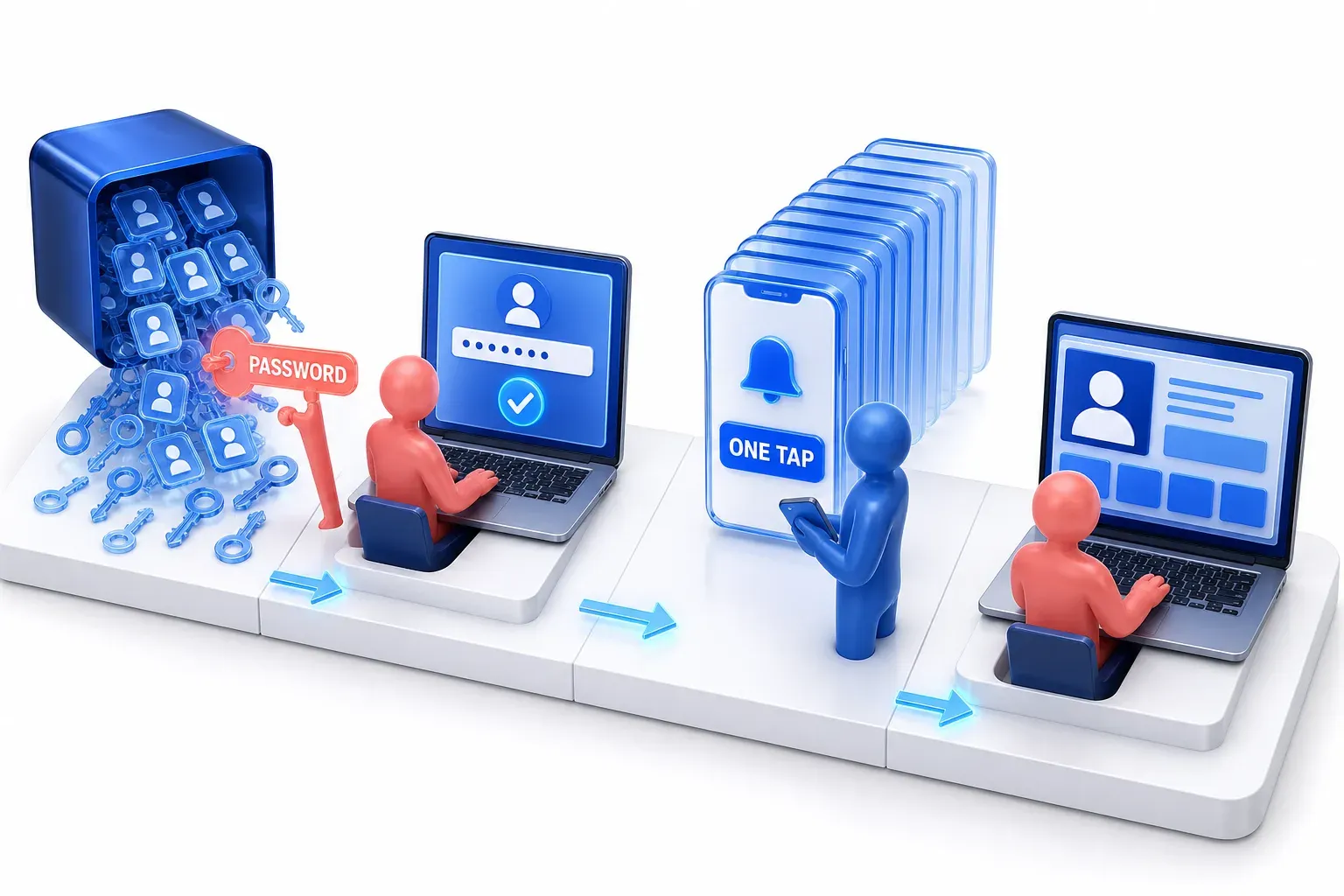
How an MFA fatigue attack works
Multi-factor authentication (MFA) asks for two or more different kinds of proof before a service lets someone in, such as something the person knows (a password) and something they have (a phone). Two passwords are not two factors. A common form is the push notification: the person types their username and password, the service sends a signal to an app on their phone, and the person accepts the prompt that appears to finish signing in.
In the form CISA describes, the attack starts after a password has already leaked. CISA, the US Cybersecurity and Infrastructure Security Agency, says attackers can get one through password spraying (trying a few common passwords against many accounts), a password dump from a compromised site, or other methods.
Why one approval is enough
With the password, the attacker signs in, and the service does what it is built to do: it sends the approval prompt to the real owner's phone. A simple prompt offers only Approve or Deny, so approving it completes whichever sign-in set it off, including the attacker's. The attacker repeats the sign-in to send prompt after prompt, which CISA says can mean hundreds of prompts on the person's device in a short time. One approval is all the attacker needs.
MITRE ATT&CK, a public knowledge base of attacker behaviour built from real-world observations, tracks this as Multi-Factor Authentication Request Generation (T1621). It notes that the flood can also come as text messages and phone calls, and that where a password reset can be approved from the phone, an attacker who lacks the password can set off the same prompts through the reset process.
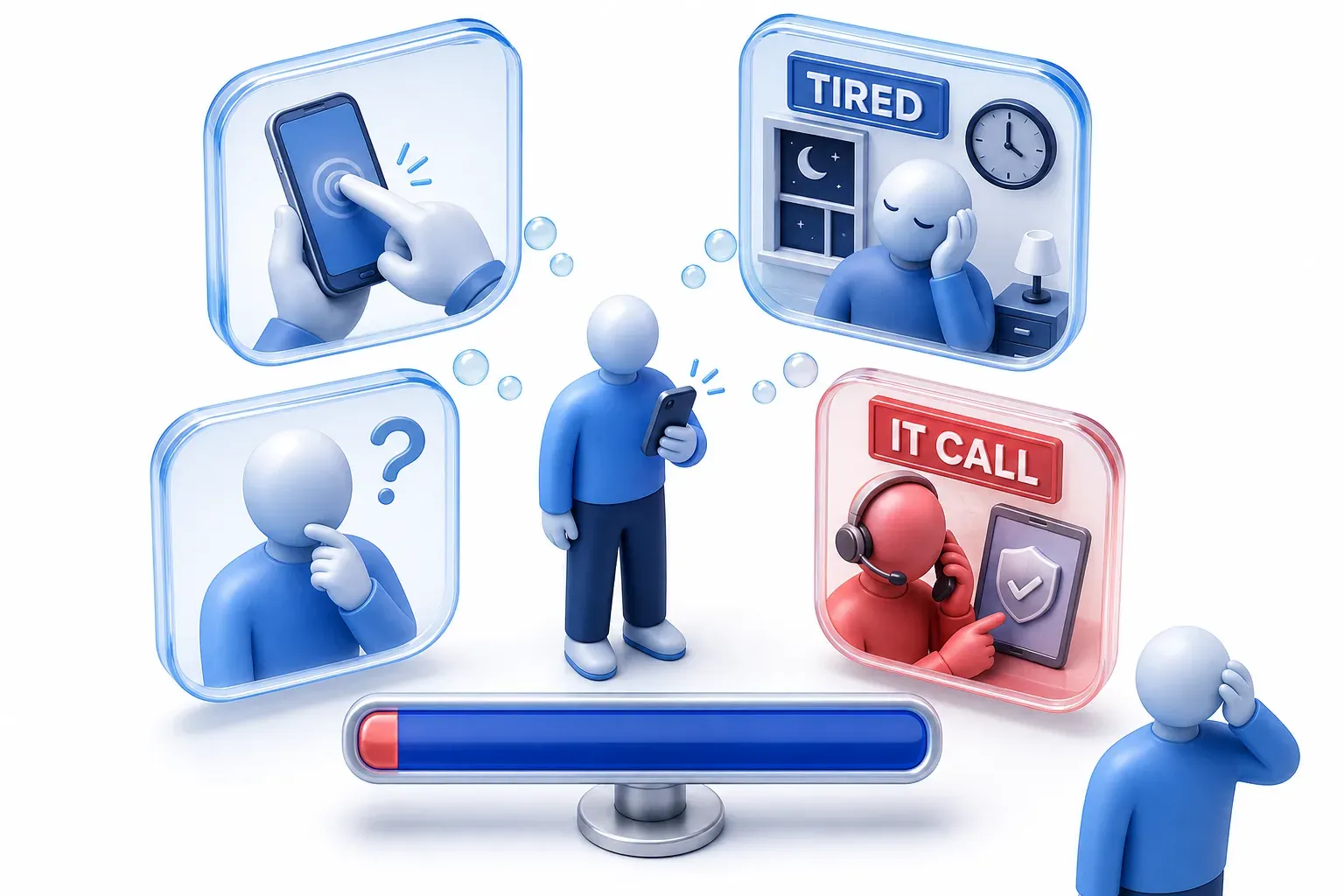
Why people approve a prompt they did not ask for
The flood is meant to wear the person down. People may press accept by accident or just to make the prompts stop, or the prompts may confuse them into deciding one of them is genuine; CISA describes all three. Even without a flood, some people say yes: about 1% of users accept a simple approval request on the first try, according to Microsoft's own studies reported in 2022.
The pressure can also come from a person posing as IT staff. Scattered Spider, a group described in a joint CISA and FBI advisory, both sent repeated prompts until employees pressed "Accept" and posed as IT staff to get employees to share one-time codes.
What it looked like at Uber in 2022
In September 2022, Uber said an attacker had compromised a contractor's account. The contractor's password had likely been bought on the dark web after malware infected the contractor's personal device. The attacker then tried to log in again and again; each attempt sent the contractor a two-factor approval request, which "initially blocked access", until the contractor accepted one and the attacker got in. Uber said it believed the attacker was affiliated with a group called Lapsus$. MFA stopped every attempt but one.
One more detail comes from news reporting, not from Uber's update: BleepingComputer reported at the time that the attacker allegedly posed as Uber IT support to convince the employee to accept the request.
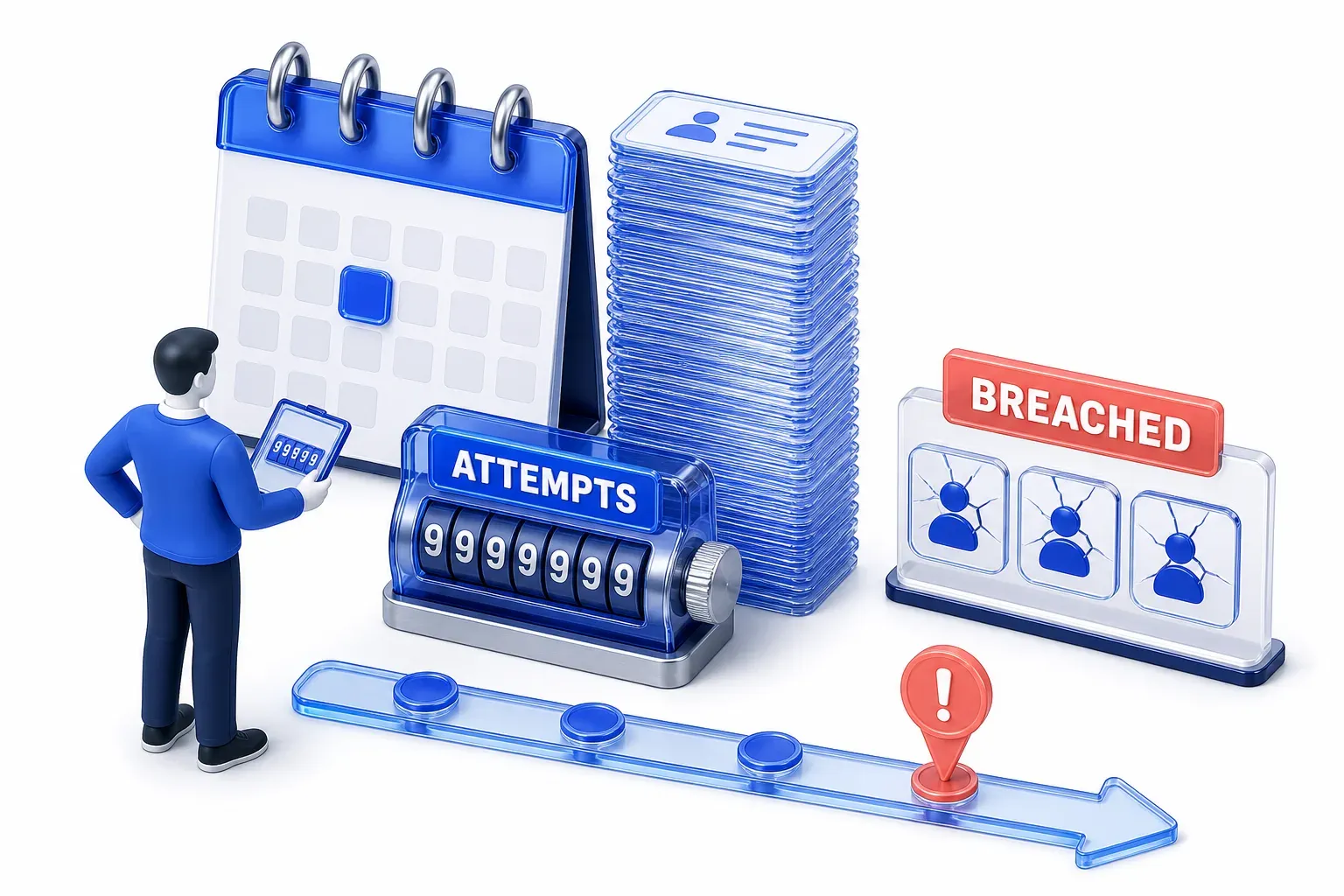
How often MFA fatigue happens
About 6,000 MFA fatigue attempts a day were observed in the year to June 2023, by Microsoft's count of the activity its own services see. That figure counts attempts, not accounts broken into.
The technique is still in use. The CISA and FBI advisory on Scattered Spider, last revised in July 2025 with techniques seen in FBI investigations as recently as June 2025, still lists "repeated MFA notification prompts" that led employees to press "Accept".
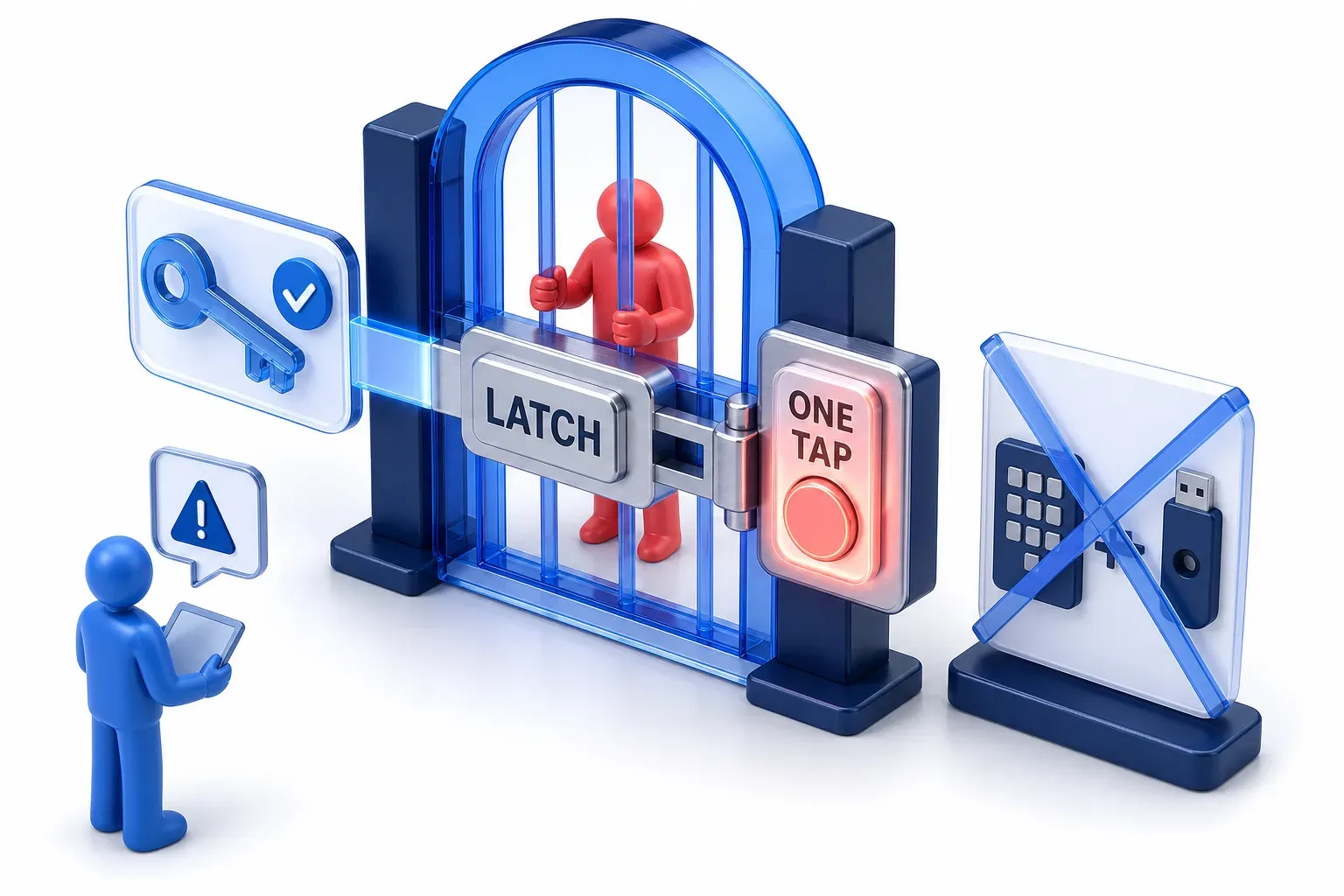
Does MFA fatigue mean MFA does not work?
No. The prompts exist because MFA is doing its job: the password alone was not enough, and at Uber each request blocked the attacker until one was approved. An unexpected prompt is also a warning. In the password-plus-push flow described above, the MFA check comes after the password is accepted, so CISA notes that a prompt the person denies could mean their password is compromised. That is a warning sign, not proof: the reset route above can send prompts without the password.
The weak point is a prompt that can be approved with one tap. One of MITRE's mitigations for this technique is to replace simple push or one-click approvals with more secure methods.

What stops MFA fatigue
Number matching
Number matching changes what an approval requires. The sign-in screen shows a number, and the person must type it into the app to approve; CISA's fact sheet on number matching says users "cannot approve requests without entering the numbers on the login screen", and each prompt gets new numbers. A person who did not start the sign-in has no sign-in screen in front of them and no number to type, so number matching stops the blind, one-tap approval of an unsolicited request that push bombing depends on.
In Microsoft Entra, number matching is enabled for Authenticator push notifications, with documented exceptions: when someone signs in to a Microsoft mobile app such as Teams or Outlook on the same device as Authenticator, they can select Approve or Deny instead of typing a number, because, Microsoft says, that prompt appears only on the device that started the sign-in.
- Resistant to push bombing, but an interim step: CISA rates push with number matching as resistant to push bombing, but calls it an interim step that is not as strong as phishing-resistant MFA.
- Not phishing-resistant itself: a person can still be deceived into completing the matching for an attacker's sign-in. In adversary-in-the-middle (AiTM) phishing, a fake sign-in page relays the real service's challenge, and Microsoft's analysis of the Tycoon2FA phishing kit describes a fake page that displayed the same MFA prompt, "for example, number matching or code entry", for the person to complete.
Phishing-resistant MFA and other limits
Phishing-resistant MFA, such as passkeys (FIDO sign-in credentials tied to a person's account on a particular website or app), is not open to this attack: CISA marks push bombing "not applicable" to it, and the Scattered Spider advisory calls such methods "not susceptible to push bombing". Organizations can also cap how many prompts an account can receive in a period, and block sign-ins that come from somewhere other than where the person's phone is, two further mitigations MITRE lists.
Where these controls stop
Passkeys differ in kind from the controls that change or limit push prompts: they use cryptographic authentication tied to the genuine service, not a generic approval that anyone can tap. Number matching, prompt limits and sign-in location checks work on the prompt itself.
None of them covers recovery, a separate risk. If a help desk or account-recovery process lets someone replace the registered authentication methods, enroll their own device or fall back to a weaker method, an attacker can take over the account without winning any prompt. The same advisory describes Scattered Spider calling IT help desks to have passwords reset or MFA moved to a device the attackers control. That route goes around the prompt entirely. A password reset alone does not switch off an MFA requirement the service enforces separately; the danger is a recovery process that also resets or replaces the methods. So protect recovery and any change to sign-in methods with strong identity verification.
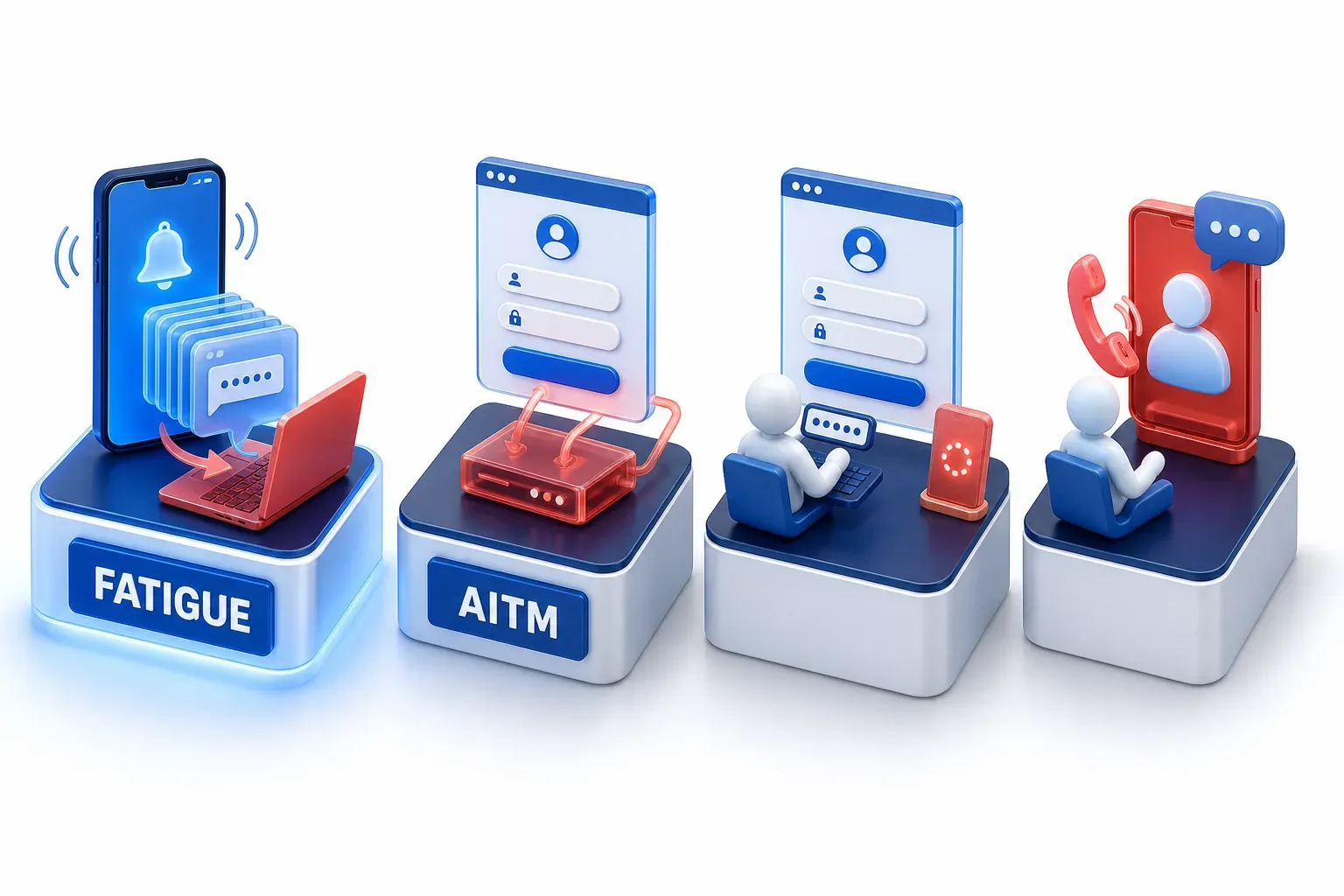
MFA fatigue vs AiTM phishing and other look-alikes
- AiTM phishing: the person signs in through a fake page and completes MFA for their own sign-in, and the attacker takes the session it produces. In MFA fatigue, the person approves a sign-in the attacker started.
- Device code phishing: the attacker starts a sign-in and gets the person to enter its code on the real sign-in page. There is no flood of prompts.
- Vishing: phishing by phone call, often by someone posing as IT or a help desk. A call like that can be what gets a prompt approved.
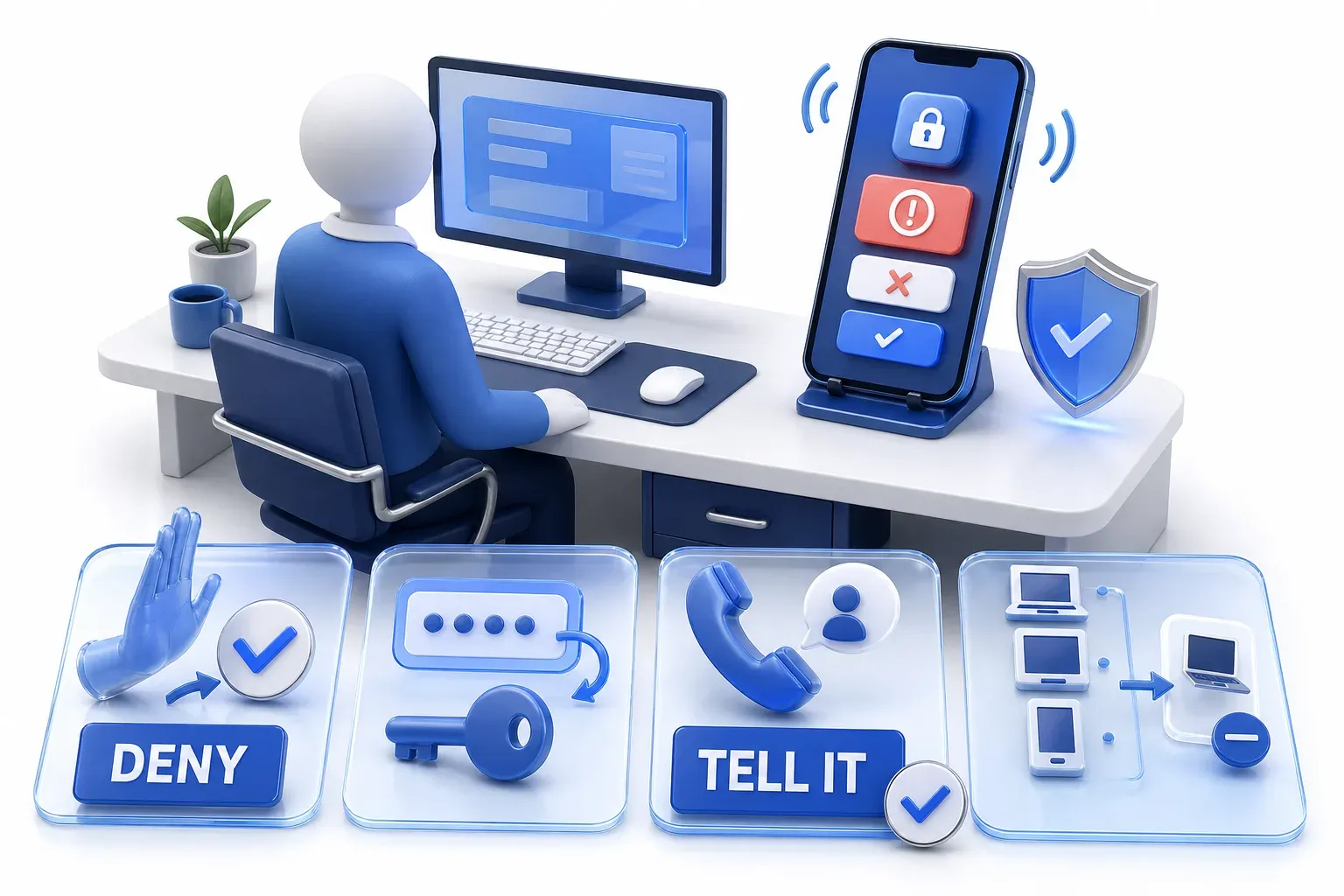
What to do if your phone keeps asking you to approve a sign-in
A prompt you did not start means someone may be signing in as you, possibly with your real password:
- Do not approve it: accept only requests from sign-ins you started yourself, which is what MITRE says users should be trained to do. Deny or ignore the rest.
- Change the password: a prompt you did not start can mean the password is already known. Change it on any other account that uses the same one, too.
- At work, tell your IT or security team: use a known, trusted channel, such as the help desk number or ticket system you normally use, not contact details from a prompt, message or caller. CISA advises reporting unexpected prompts even when you denied them, so the team can investigate the cause.
- If you approved one: at work, tell the IT team straight away, through the same trusted channel. On a personal account, change the password, then sign every other device and app out of the account from its settings, as the UK National Cyber Security Centre's recovery guidance describes. Check the account's sign-in methods for a phone or app you did not add, because an attacker who gets in may register a device of their own to keep access, a form of account manipulation.