
Quishing (T1660)
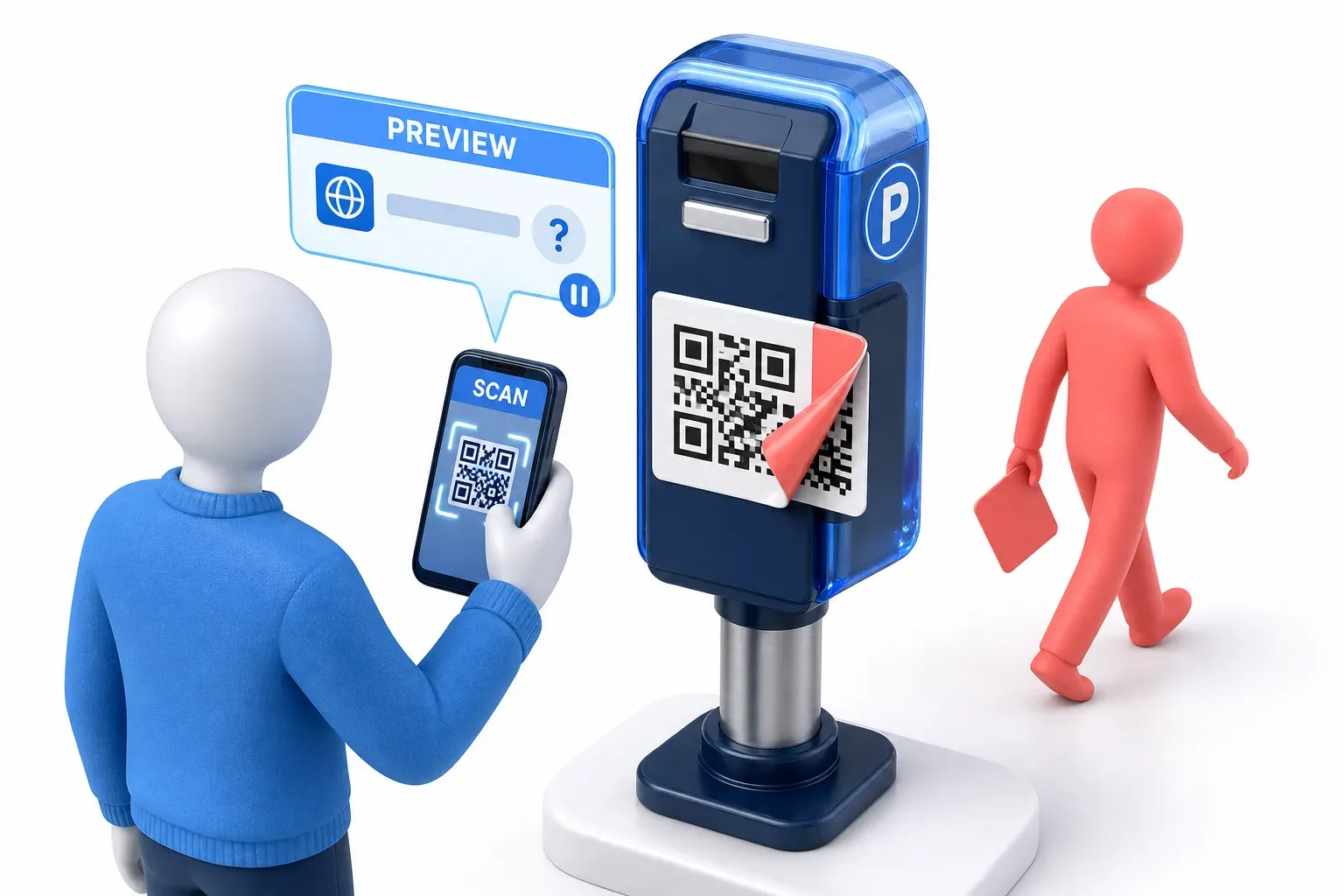
Quishing, short for QR code phishing, is phishing that hides a harmful link inside a QR code. It can arrive in an email, a letter or a text, or be stuck over a real code in public. A scan shows the link; opening it can lead to a fake site that collects details, harmful software, or a deceptive sign-in request.
CyberRecaps is supported by its readers. We may earn an affiliate commission at no extra cost to you if you buy through a link on this page.

Explain It Like I'm 10
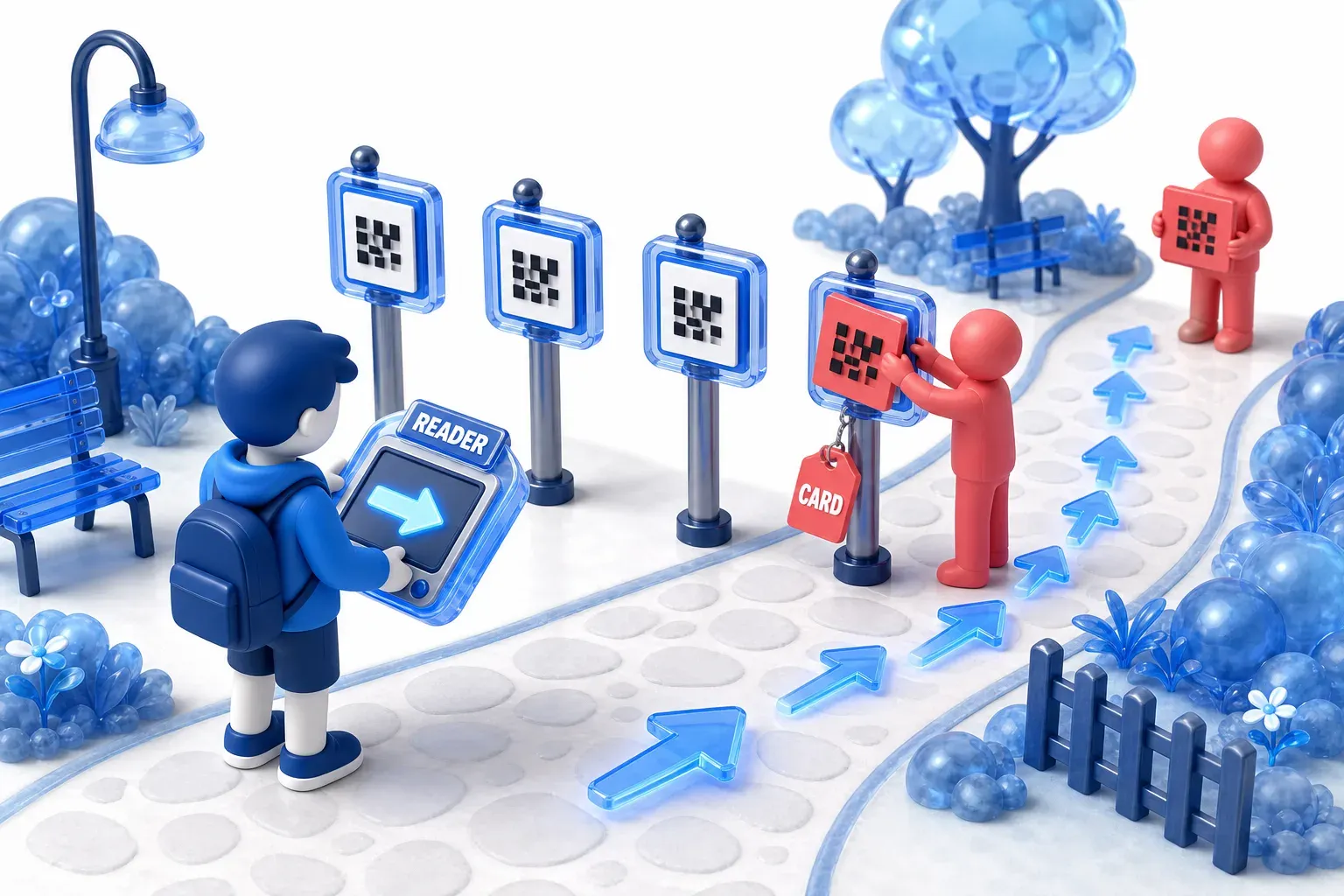
Imagine a treasure hunt where every clue card is printed in a secret pattern that only a special reader can turn into words. You can't read the pattern yourself, so you trust the reader to tell you where to go next.
Now imagine someone glues their own card over one of the real clues. It looks like all the others, but it sends you somewhere else, where a stranger asks for your secret password. The smart move is to look at what the reader says before you walk anywhere, and to check whether a card has been stuck on top of another one.
Quishing Quiz
Test your knowledge about Quishing - maybe you already know everything about it.
What is quishing?
How quishing works
Phishing is an attempt to get someone to hand over information, money or access by pretending to be a party they trust. Quishing (pronounced "KWISH-ing") does it through a QR code. MITRE ATT&CK, a public catalogue of attacker techniques, describes attackers using QR codes "to redirect users to a phishing website".
The trick works because the link is hidden. It sits inside the pattern of squares, and a person cannot see where the code goes until a device reads it. As the FTC's warning puts it, scammers "hide harmful links in QR codes".
What the code leads to
Common outcomes include:
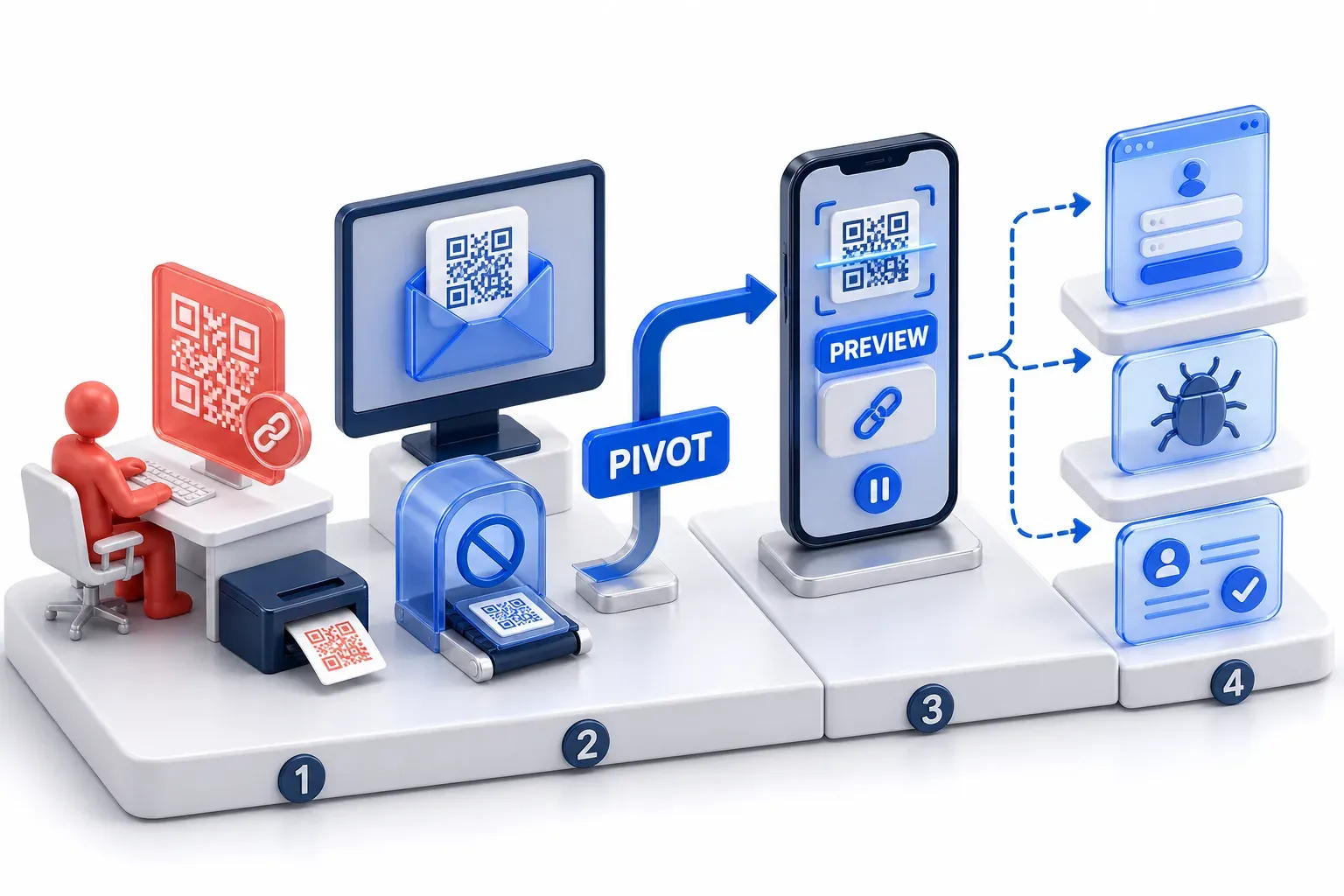
- A fake page: a page dressed up as one the person knows, such as a delivery company, a parking payment page or an account sign-in page. If the person logs in there, the FTC warns, "the scammers could steal any information you enter".
- Malware: harmful software that, the FTC warns, "steals your information before you realize it".
- A deceptive sign-in request: Proofpoint has documented device code phishing campaigns whose first message carries a link behind a button, in text or in a QR code. The link starts a real Microsoft sign-in process that shows a code, and entering that code gives the attacker access to the account. A real domain on that page does not make an unsolicited request to sign in, enter a code or approve access safe. Device code phishing explains that attack.
Scanning is not the same as opening
Scanning a code and opening its destination are different steps. On the iPhone and Pixel cameras, a scan only displays a link, and the person chooses whether to tap it. The harm usually follows an action after the tap, such as typing details, installing something or approving a request. Opening a malicious website can also be risky by itself. MITRE ATT&CK's Drive-by Compromise technique, whose platforms include Windows, macOS and Linux, describes how a website visit can be used to look for vulnerable browser software and deliver exploit code, which abuses a flaw, to it. If that works, the attacker can run their own code on the user's system unless other protections are in place. That risk comes from visiting the site. Scanning a code without opening its destination is different from visiting it.
Why a quishing email can get past link checks
A QR code can slip past the link checks that email security runs. MITRE ATT&CK records the Kimsuky group using QR codes "to evade URL inspection", meaning the checks security tools run on links, "and to direct victims from their corporate host devices to mobile devices".
That second part matters. A code in an email moves the victim from the computer to the phone: the framework notes that a QR code in an email lets an attacker "pivot from the user's desktop computer to their mobile device". The person reads the email on a work screen, scans with a phone, and the page opens on the phone. MITRE ATT&CK files quishing under T1660 Phishing in its section on mobile devices, which covers Android and iOS.
What your phone shows before a code opens
Checking the link sounds impossible when the link is hidden, but the phone's camera gives you a moment to do it. Apple's instructions for the iPhone camera say to hold the device so the code appears, "then tap the link to open the content". Google's help page for Pixel phones says the camera "shows a bubble or link on the screen", and "To open it, tap the link that appears."
On both, nothing opens until you tap. That pause is the moment to check: the FTC advises people to "inspect the URL before you open it", meaning the web address, and to look for misspellings or a switched letter. Those instructions are for the iPhone and Pixel cameras; on other phones, look for the same step before anything opens.
In that address, check the actual domain, not merely whether the organization's name appears in it. A match is not proof of safety either, as the sign-in requests above show.
Quishing vs phishing, smishing and vishing
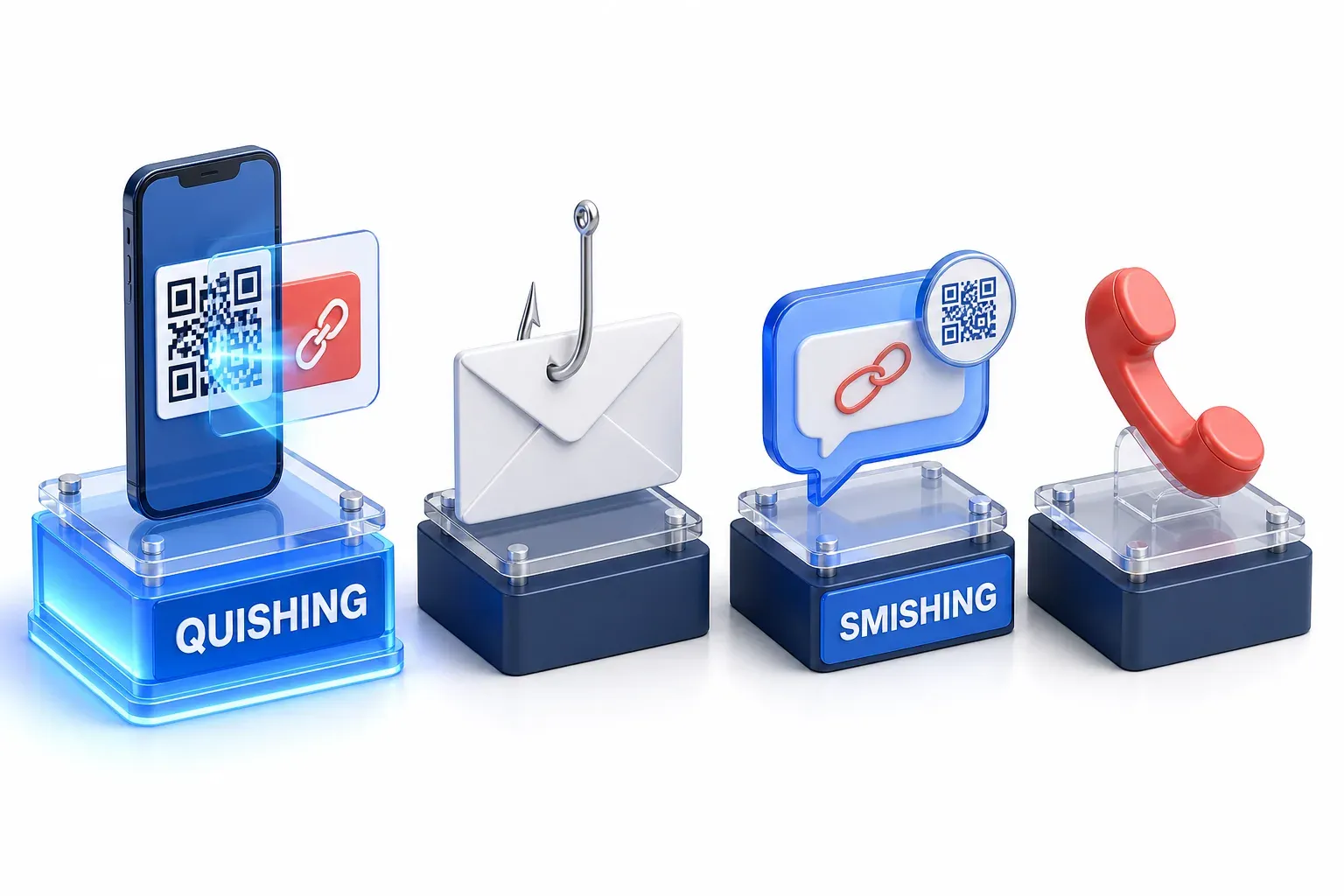
- Phishing: the general trick of pretending to be someone a person trusts. Quishing is phishing through a QR code.
- Smishing: phishing by text message. A text can carry a QR code too, and then the two overlap.
- Vishing: phishing by phone call.
- AiTM phishing: a fake sign-in page that passes the login through to the real service, so the second sign-in check succeeds, and takes the session it produces. The FBI advisory discussed below lists this kind of session theft in a general quishing attack lifecycle.
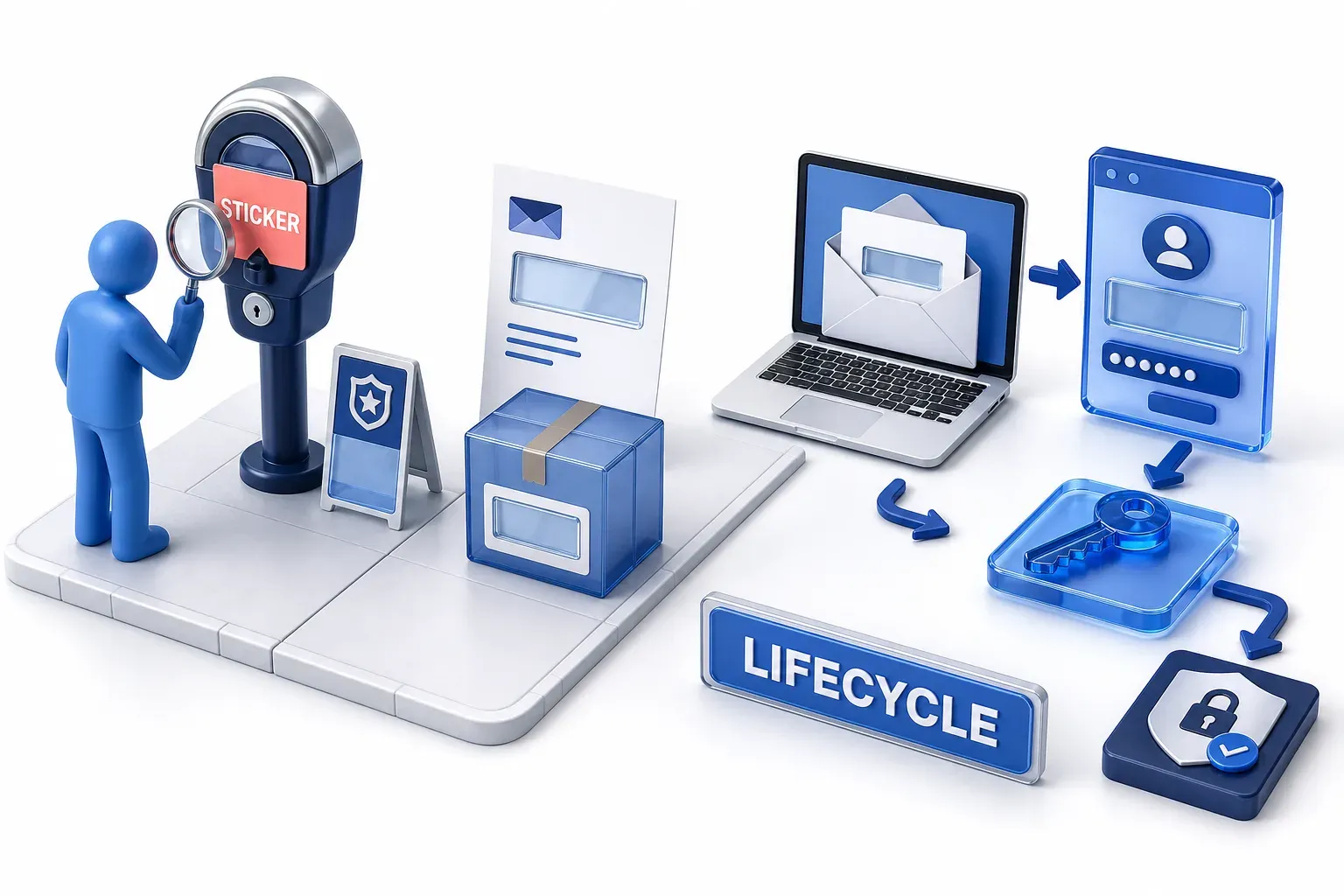
Where fake QR codes turn up
Fake codes turn up in public places and in things people are sent.
Stickers over real codes
MITRE ATT&CK gives the public version as its example: an attacker "could replace a legitimate public QR Code with one that leads to a different destination". The FTC has warned of "scammers covering up QR codes on parking meters with a QR code of their own".
In June 2025, the Police Service of Northern Ireland warned drivers that scammers were placing fake QR code stickers over real ones on parking meters and signs. Police had received reports of drivers entering credit card details into fake parking portals, "resulting in unauthorised transactions". In those reports, the loss came from card details typed into the fake page.
Emails, letters and parcels
The FBI tells organizations to warn staff about QR codes "regardless of their source (email, letter, flyer, packaging)". In a January 2026 alert, the FBI described emails from the Kimsuky group in May and June 2025, aimed at people including think tank staff and an advisory firm. They posed as an advisor, an embassy employee or a think tank employee, or invited people to a conference that did not exist, and each carried a QR code. In one, the code led to a registration page and then to a fake Google account login page built to harvest the login details people entered.
A stolen password need not be the last step. The advisory includes a table headed "MITRE ATT&CK: Quishing Attack Lifecycle", a general sequence rather than a record that every stage happened in each incident above. After the "Credential harvesting page", the table lists "Session token theft", "MFA bypass" and "Lateral phishing from victim mailbox".
MFA and the QR code
MFA, multi-factor authentication, combines different types of proof: something you know, such as a password, something you have, such as a phone or authenticator app, and something you are, such as a fingerprint. A QR code does not inherently bypass MFA. The code delivers the lure; the phishing or authorization step that follows is what gives the attacker access. For organizations, the FBI recommends "phishing-resistant MFA for all remote access and sensitive systems" as one layer among several. That recommendation is not protection against every QR-based scam or deceptive authorization request.

How common quishing is
QR code phishing grew fast in early 2026, at least in the email Microsoft checks. Microsoft's threat intelligence team detected QR code phishing attacks rising from 7.6 million in January to 18.7 million in March, a 146% increase over the quarter, after a 35% fall in January. Most arrived inside PDF attachments: 65% of these attacks in January and 70% in March, so a code may sit in an attached document rather than the email itself.
These figures show a trend in one company's detections, not how many people scanned a code or lost money.
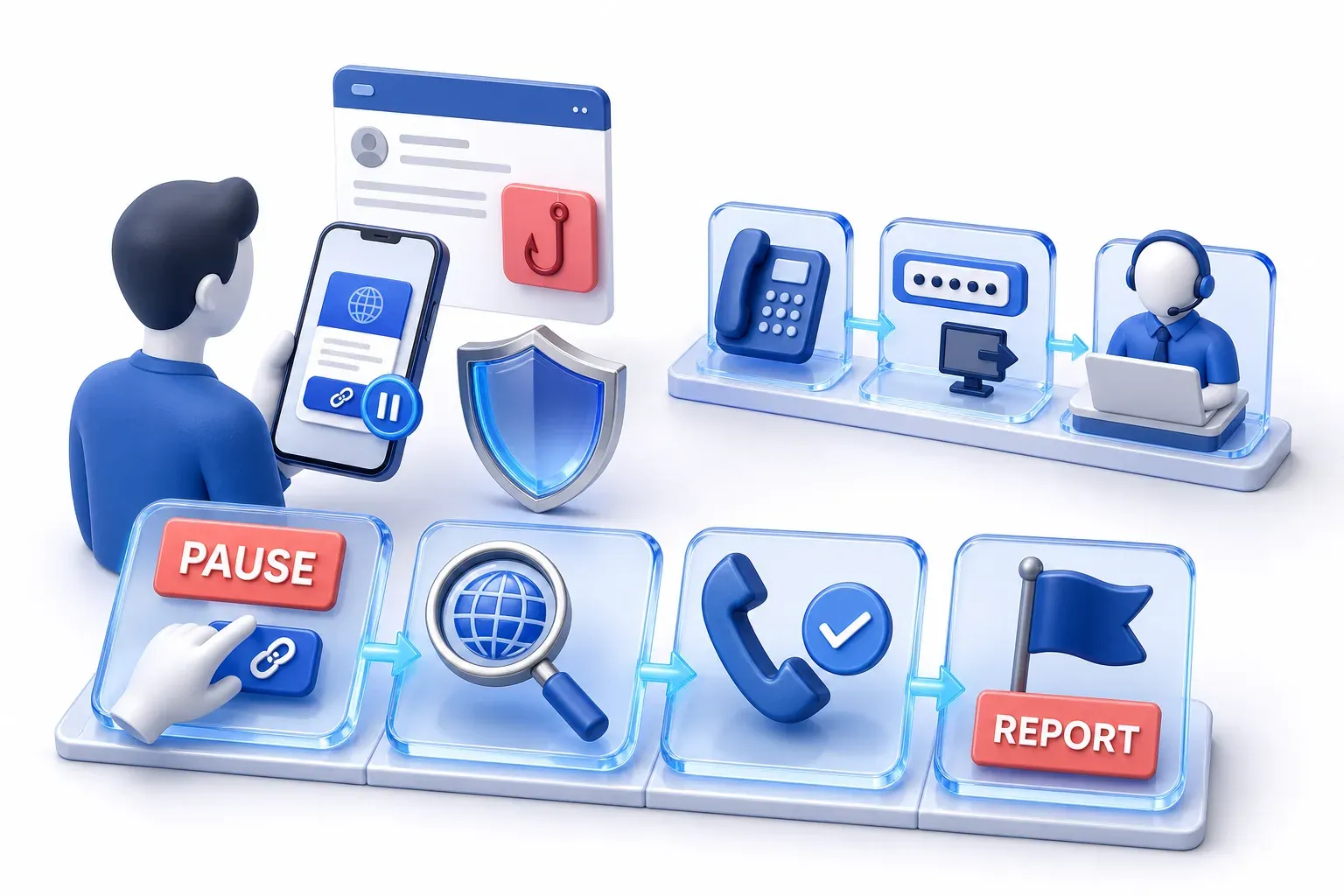
What to do about a suspicious QR code
Before you scan
- A code you weren't expecting in an email or text: don't scan it, especially if it urges you to act immediately. If the message might be real, contact the company using a phone number or website you know is real.
- A code in a public place: look for signs of tampering, such as a sticker placed over the original. If you're not sure, type the website address yourself or use the organization's official app instead of scanning.
- When the phone shows the link: read the address before you tap it. Look for misspellings or a switched letter, and check the actual domain, not just that the organization's name appears in it. If the destination, or what it asks you to do, is unclear, use the official app or a website you reach yourself.
- A request to sign in, enter a code or approve access that you didn't start: a real company's domain does not make it safe. Stop, and start again from the official app or website.
- At work: check where a code came from another way, such as contacting the sender directly, especially before entering a password or downloading anything.
Reporting it
- In the US: report it to the FTC at ReportFraud.ftc.gov. Organizations can also report to the FBI's Internet Crime Complaint Center at www.ic3.gov.
- In the UK: forward a suspicious email to report@phishing.gov.uk, and a scam text to 7726. Tell the parking operator or the police about a suspicious code on a parking machine, as police in Northern Ireland advise.
- Elsewhere: look for your own country's national service for reporting scams.
If you only scanned or opened the link
- You scanned but did not open the link: on the iPhone and Pixel cameras the destination does not open until you tap, so you have not visited it. Close the preview and leave the link alone.
- You opened the link but entered nothing, installed nothing and approved nothing: stop interacting with the destination. Close the page, and do not sign in, enter a code, tap further or download anything. This is a different situation from handing over a password or installing software, and the steps below are for those cases. Keep your device's software up to date; the NCSC calls updates one of the most important things you can do to prevent an account being hacked.
- You are not sure what you did: treat it as one of the cases below.
If you scanned and entered something
- Bank or card details: contact your bank straight away. In the US, if a scammer may have your card or bank account number, IdentityTheft.gov lists the steps for what was lost.
- A password or other sign-in details: change the password, and change it on any other account that uses the same one. A password change alone is incomplete, because an attacker may already hold a signed-in session or token. Follow the provider's instructions to sign out other devices and apps, as the NCSC's guidance on recovering a hacked account describes, and to revoke active access, and look for changes you did not make, including sign-in methods and email forwarding rules where relevant. Do not assume that a reset or a sign-out ends all access at once: providers differ, and Microsoft notes there can be a period before revoked access really ends.
- A work account, phone or laptop: tell your IT or security team immediately, so administrators can investigate and revoke sessions or tokens. Microsoft's guidance for device code phishing tells administrators to revoke the user's refresh tokens.
- Software you installed: on a computer, open your antivirus software if you have it and run a full scan, as the NCSC advises. On a phone or tablet where you installed something suspicious, follow the device provider's recovery guidance or ask your IT team.
- Money: tell your bank, then report it as a crime: in the UK, to Report Fraud if you live in England, Wales or Northern Ireland, or to Police Scotland on 101. In the US, report it to the FTC at ReportFraud.ftc.gov.
These steps draw on the NCSC's advice for each situation, except where another source is named above; apart from the reporting routes, none of them depends on where you live.