
Consent Phishing
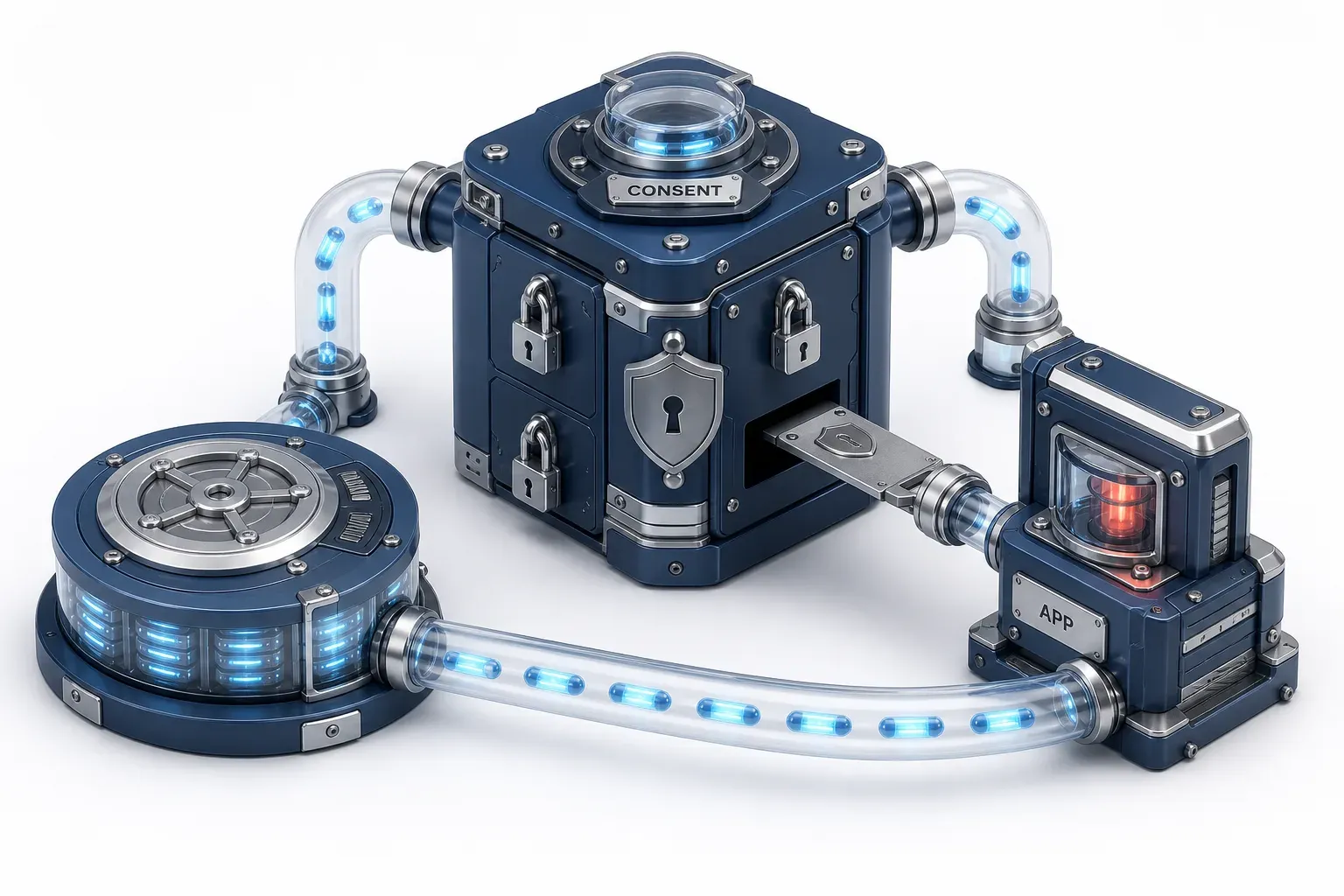
Consent phishing tricks a user into approving a malicious OAuth application on a genuine sign-in screen. No password is stolen and no MFA prompt is defeated. The user grants delegated permissions, the application receives a token, and it can read data in the background until an administrator revokes the grant.
That last clause is the whole problem. Credential phishing produces a stolen secret, and secrets can be changed. Consent phishing produces a permission object that sits in your tenant, attached to an application, and it does not care what the user's password is or how they proved who they were. Device code phishing borrows a session the user is already signing into; consent phishing takes a standing delegated grant that outlives the session. Both abuse OAuth, and only one leaves something behind in your directory.
Every article on this subject ends at the same instruction: restrict user consent. Almost none says what that setting is currently set to. That value changed in July 2025, and this page states what it is now, where to check your own, and what to do if you find a grant you do not recognise.
CyberRecaps is supported by its readers. We may earn an affiliate commission at no extra cost to you if you buy through a link on this page.

Explain It Like I'm 10
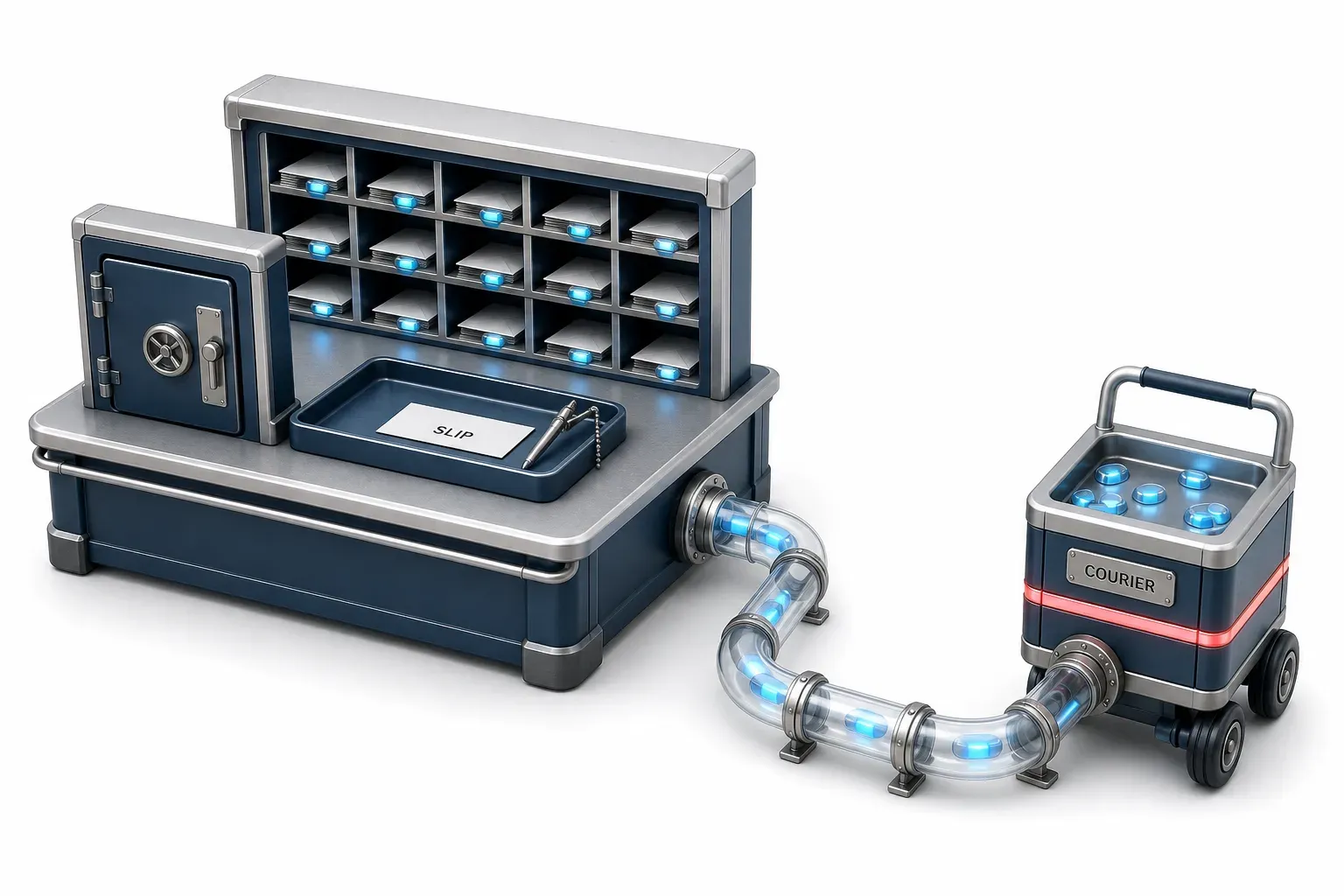
Think of a mail room where you can sign a slip letting a courier collect your post. The desk is real, the clerk is real, and the slip is a normal part of how the building works. Sign one for the wrong courier and nothing about your keys or your front door has changed - but that courier keeps collecting your post every morning, whether you are there or not. Getting it back means going to the desk and cancelling the slip.
Consent Phishing Quiz
Test your knowledge about Consent Phishing - maybe you already know everything about it.
What does consent phishing trick a user into approving on a genuine sign-in screen?

How the grant actually works
The consent screen is genuine. That is not a flaw in the attack, it is the mechanism. Microsoft's own guidance makes the point plainly: because a legitimate provider hosts the application, unsuspecting users accept the terms. There is no lookalike domain to spot and no certificate warning to ignore, because the identity provider really is the one asking.
The user reaches that screen the ordinary way, through a link. Behind the link is an application registered with an authorization server, wearing a name chosen to look routine.
What the app holds afterwards
Once the user selects Accept, the application receives an authorization code and redeems it for an access token. From then on it acts within the permissions it was granted, and the consequence, in Microsoft's own words, is that the application keeps working in the background even if the user signs out. Access continues until someone revokes it, and a refresh token in active use has no maximum age in Entra ID - its documented lifetime is "Until-revoked".
Which permissions get asked for is the closest thing this subject has to a measurement. Microsoft's incident response team reports that attackers used a combination of six delegated permission families - mail, contacts, mailbox settings, people, files and notes - in 99% of the consent phishing attacks it observed. Read that number carefully: it describes the composition of one team's caseload, not how often the attack happens, and no sample size, window or method is published with it.
The application's name is the tell that keeps recurring, and three independent sources describe it:
- MITRE lists procedure examples for this technique in which applications masqueraded as "Google Defender" and "McAfee Email Protection".
- Microsoft reported activity through mid-2026 in which employees were guided through a consent workflow to authorise an application disguised as a legitimate Salesforce data tool.
- The Canadian Centre for Cyber Security describes a new connected app appearing in audit logs with vague names such as "Support Tool" or "Data Loader".
The name has to survive a glance, not an investigation.

What your consent setting actually says now
Here is the part the search results have not caught up with. In June 2025, Microsoft's identity team announced that a Microsoft managed consent policy would be enabled by default starting in July 2025, so that users could no longer consent to third-party applications reaching their files and sites.
More changes were promised, and they arrived. The current documentation names that policy "Let Microsoft manage your consent settings", states that it is also the default for a new tenant, and lists what it holds back from end-user consent: 36 permissions covering mail, files, sites, calendars, chat, contacts and tasks, plus the older Exchange Online access protocols.
The exception that ships enabled
The default is not "user consent is off". It is user consent is scoped, and it arrives with a second policy that is also enabled by default: one that lets end users consent to those same mail permissions for a short list of named mail clients, Thunderbird and Apple Mail among them. Those are legitimate applications on a Microsoft allow-list, not a weakness. But an administrator who believes consent is switched off, and finds a mail-permission grant in the audit log, needs to know that the platform put that exception there.
Another control is on already. Risk-based step-up consent treats a request from a newly registered multitenant application without a verified publisher, asking for non-basic permissions, as risky, and forces it up to admin approval. Its condition matters: it is enabled by default, but only changes behaviour when user consent is enabled in the first place.
Now the awkward part. Two current Microsoft pages describe two different defaults.
Page | What it says the default is | Last revised |
|---|---|---|
Managing app consent policies | The Microsoft managed policy, which scopes consent and is the default for a new tenant | 17 June 2026 |
All users may consent to applications for permissions that do not require administrator consent | 4 August 2026 |
The second page lists only the two older built-in policies, and it is the one an administrator lands on to change the setting. The instruction that survives both: read your own tenant's setting rather than any document's description of it.
Nothing you already built has stopped working
A correction like this creates a specific worry. A hardening standard that says "restrict user consent" is still correct. A detection that fires on consent events still fires. An admin consent workflow configured last year still routes requests. What changed is the starting position, not the target - and that reasoning is ours, drawn from the fact that the new default restricts more than the old one and none of the named controls were withdrawn.
One thing Microsoft has not published: how many existing tenants were actually moved onto the managed policy, as opposed to new ones created since. That is exactly why the honest instruction is to check yours rather than assume you are covered.
Does MFA stop consent phishing?
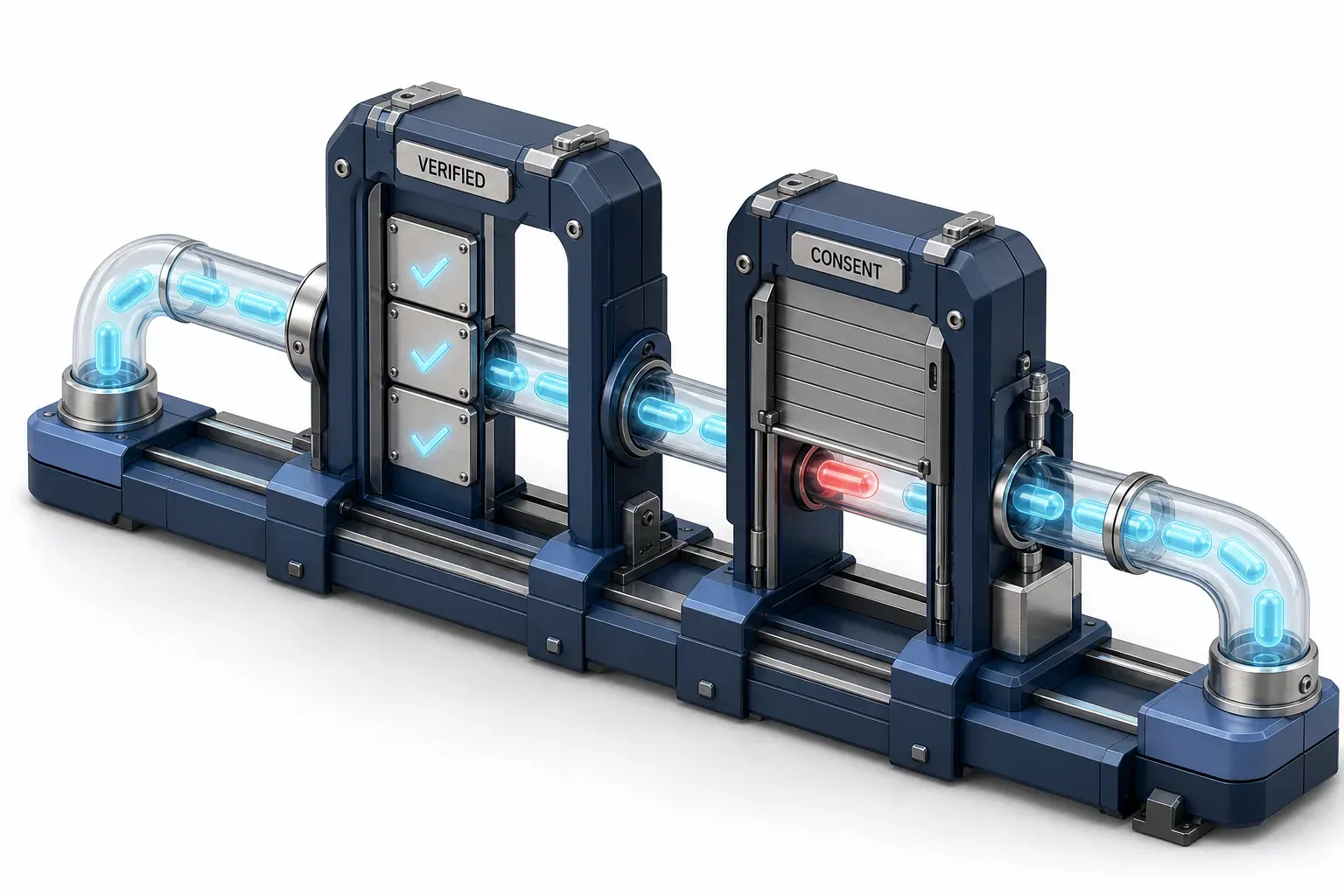
Not at the moment of the grant, and the reason needs stating precisely rather than repeating as a slogan. Microsoft's identity team puts it this way: the user's authentication method does not matter, because the application never asks for a credential. The user has already authenticated legitimately, and approving an application is a separate decision that happens afterwards.
That is a statement about the mechanism, not about your defences. An admin-consent requirement stops the grant before authentication strength ever becomes relevant, because the user is simply not permitted to complete the consent. This attack routes around authentication rather than defeating it, and the control that answers it sits at the consent boundary.
Whether resetting the user's password helps has a two-sided answer. Refresh tokens survive a password change on their own. Where Continuous Access Evaluation applies, long-lived tokens are revoked in near real time on critical events including password changes - but that depends on the client and the resource supporting it, and an attacker-controlled application is under no obligation to.

How you would detect it
Detection here is structural before it is technical: this is two events, and MITRE files them as two techniques under two different tactics. Getting the token is Steal Application Access Token under Credential Access, and its description names this exact attack - social engineering that tricks users into granting malicious applications access.
Using the token afterwards is Application Access Token under Use Alternate Authentication Material, and its tactic is Lateral Movement. A team that has covered one has not covered the other.
The two techniques
Technique | Tactic | Detection strategy | What the analytic observes |
|---|---|---|---|
T1528 Steal Application Access Token | Credential Access | DET0515 / AN1425 | Unusual OAuth app registration, user-granted OAuth tokens, and subsequent high-privilege resource access via those tokens |
T1528 Steal Application Access Token | Credential Access | DET0515 / AN1426 | OAuth token use by third-party apps accessing user mail, calendar or SharePoint resources where tokens were recently granted or obtained via spearphishing |
T1550.001 Application Access Token | Lateral Movement | DET0185 / AN0527 | OAuth or SAML tokens reused across sessions without corresponding MFA or login activity |
T1550.001 Application Access Token | Lateral Movement | DET0185 / AN0529 | Exchange Online or SharePoint API access via tokens absent preceding logins |
Worth noting as our own comparison of two published pages, rather than a claim by either publisher: Microsoft's incident response playbook introduces the chain by pointing at the use technique, while the technique whose description names the social-engineered grant is the other one. Both are right about different halves of the same attack.
What to search in your audit log
The grant itself is an audit event, and three fields carry most of the meaning:
- `Consent to application` - the activity name to filter on.
- `IsAdminContent` - set to true when the consent covers the whole organisation rather than one user.
- `ConsentType` - the same distinction in a permissions export, where `AllPrincipals` means an administrator consented for the entire tenancy and `Principal` means a single user consented for themselves. Microsoft's guidance is blunt about the first: every non-Microsoft application holding `AllPrincipals` should be reviewed carefully.
Two limits come from the same page, and both belong in your head before an incident rather than during one. The portal shows admin consent grants for the last 90 days only. And if auditing was not enabled before the attack, there is nothing to investigate, because the data does not exist.
The licensed layer
Organisations that license Defender for Cloud Apps get a further layer - licensed, not a setting everyone has. Its Community use classification rates how commonly an application is granted permission, as common, uncommon or rare, which is what makes a rare application requesting high-severity permissions worth an alert. It also ships a detection for a misleading OAuth app name: the naming tell from earlier, with a control attached.
One footnote for the long view. The threat model describing this attack, including an application simulating a user's consent by screen-scraping, is an IETF document from January 2013. The current OAuth security best practice, published in 2025, does not carry that material, and neither document appears on the first page of results for this term.

What actually revokes the access
Three actions look like eviction. Only one of them is.
- Changing the user consent setting does not revoke anything. Updates to consent settings affect future consent operations only; existing grants remain unchanged and the application keeps the access it already has.
- Disabling the application stops new tokens, not current ones. When the platform disables a malicious OAuth application, new token requests and refresh requests are denied, but existing access tokens stay valid until they expire.
- Removing the grant is the action that removes the access - with a catch, below.
The catch: revoking a grant does not stop the same user consenting to the same application tomorrow. Removal and prevention are separate jobs.
There is also a trap in where removal happens. Consent phishing produces user consent grants by definition, since the victim is normally a standard user, and those grants cannot be revoked in the admin center interface at all - the portal exposes revocation only for the admin consent tab, and user grants come out through the Graph API or PowerShell. An administrator who reviews the application in the portal, sees no revocable permissions and concludes it is clean has misread the screen.
The counterintuitive one: disable the application rather than deleting it. Microsoft's incident response guidance gives the reason - a deleted application can return the moment another user consents to it, while a disabled one cannot come back.

The controls, and where each one stops
The strongest published checklist for this is a government one, and it appears nowhere in the search results for this term. CISA's secure configuration baseline for Microsoft Entra ID carries three policies here, all mandated for US federal civilian agencies under a binding operational directive: only administrators shall be allowed to register applications, user consent shall be restricted, and an admin consent workflow shall be configured. Nobody outside those agencies is bound by it, which is rather the point - it is a public, free statement of what "restrict user consent" means when someone has to be audited against it. Its maintainers also opened an investigation in November 2025 into whether the consent policy needed revising after Microsoft's changes, which is a fair signal that the drift described above is real.
Where each control stops
- Publisher verification has been defeated in exactly this attack. It is the trust signal that Microsoft's guidance and Google's AI summary both recommend, and in January 2023 Microsoft's own security response centre reported a consent phishing campaign in which the actor obtained verified publisher status through fraudulent partner accounts, primarily against customers in the UK and Ireland. Microsoft disabled the applications and strengthened the vetting process afterwards. The control is still worth having; it is not proof of intent.
- Conditional access has a documented blind spot here. Policies scoped to users do not block calls made by service principals, and a consented application acts as a service principal. Covering it requires conditional access for workload identities, which is a separate configuration.
- The honest counterweight, which cuts against alarm rather than for it: Microsoft's identity team states that this attack is much less common than credential phishing, and draws the operational conclusion that users are therefore less prepared for it. That is a reason to explain it to people, not a reason to treat it as your largest exposure.
Every one of these has a cost. Restricting consent means somebody staffs the admin consent workflow and answers requests, and the strictest option generates the most. The Defender layer named earlier is licensed. Microsoft's own guidance acknowledges that the most secure configurations create the most administrative overhead, and calls it a decision to make with the people who will carry it.
The two platforms are not set the same way
The correction in this article is specific to Microsoft Entra ID, and the attack is not. Microsoft reported an OAuth abuse campaign in 2026 spanning both Entra ID and Google Workspace, where the documented default for third-party application access is still permissive: users may access any third-party app, with administrators able to move applications to Trusted, Limited, Specific Google data or Blocked, and restricted scopes reachable only by applications marked Trusted or scoped explicitly. That page was last updated on 14 August 2026. If you run both platforms, check the Workspace setting separately - the Microsoft change says nothing about it.
What we could not verify
Three things are missing, and it is more useful to name them than to write around them. No published prevalence figure exists for consent phishing, neither a share of incidents nor a count of campaigns; the 99% above is a composition measurement from one team's caseload. No figure is published for how many existing tenants were actually moved onto Microsoft's managed consent policy. And no statement was located about whether Google plans a comparable change to its own default.
One disclosure about sourcing: this page cites platform documentation, MITRE ATT&CK, an IETF document, a government baseline and first-party incident reporting. It deliberately cites none of the security vendors whose explainers dominate the results for this term, because that product category is also one of this site's sponsor categories.

Common questions about consent phishing
Is consent phishing the same thing as an illicit consent grant? They describe the same event from different angles. "Consent phishing" names the social engineering, "illicit consent grant" names the object it produces, and "OAuth phishing" is the informal shorthand. Microsoft's incident response documentation uses the second, which is worth knowing when you search your own vendor's documentation.
How do I see which applications my users have already consented to? Through the enterprise applications inventory and its permissions view, which shows admin and user consent separately, or through a permissions export for a tenant-wide picture. The audit log answers a different question: when a grant happened, and who approved it.
If we block user consent entirely, what breaks? Nothing silently, but every application a user would previously have approved now needs an administrator. Without an admin consent workflow, that arrives as a support ticket rather than a request - which is why the government baseline treats the workflow as a policy in its own right.
Is this attack actually common? Nobody publishes a number. The one first-party statement available says it is much less common than credential phishing - a claim about frequency, not about consequence. A single grant on a mailbox persists for as long as nobody looks.

The setting is the answer, so go and read it
Consent phishing is decided at the consent boundary rather than at the login, which is why the defence is a tenant setting rather than a stronger authentication method. That setting has a current value, that value changed in July 2025, and the documentation an administrator is most likely to read still describes the arrangement it replaced.
So the useful next step is small enough to do today: open your consent settings and read what they say. If Microsoft is managing them, you are on the scoped default with its mail-client exception. If they name verified publishers and low-impact permissions, someone chose that deliberately. If they allow user consent for any application, that is the pre-2025 arrangement and it is worth a conversation. Whichever it says, you now know what it means - which is a better answer than any checklist can give you, because it is about your tenant rather than somebody's default.